Search the documentation
Enter at least 2 characters
Enter at least 2 characters
 |
CAE Fidesys 9.0 Documentation |
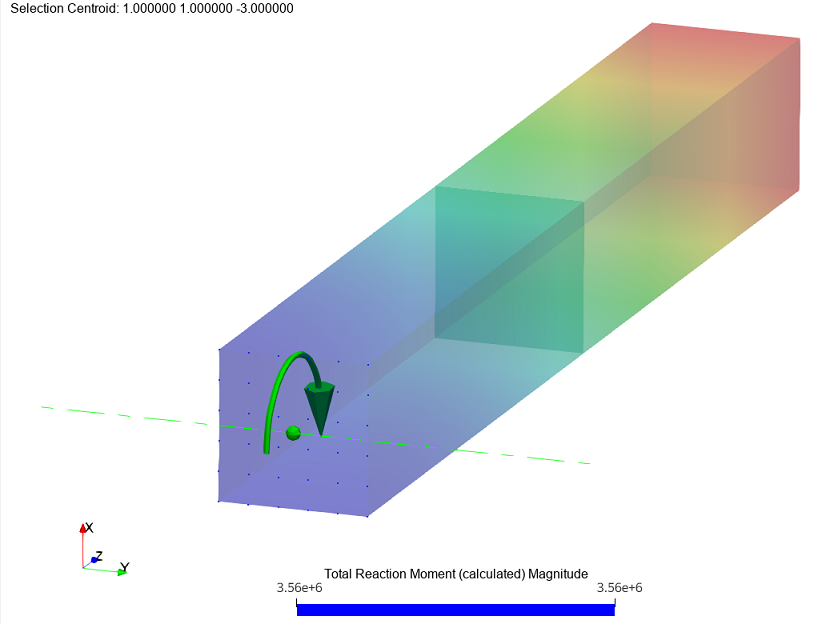
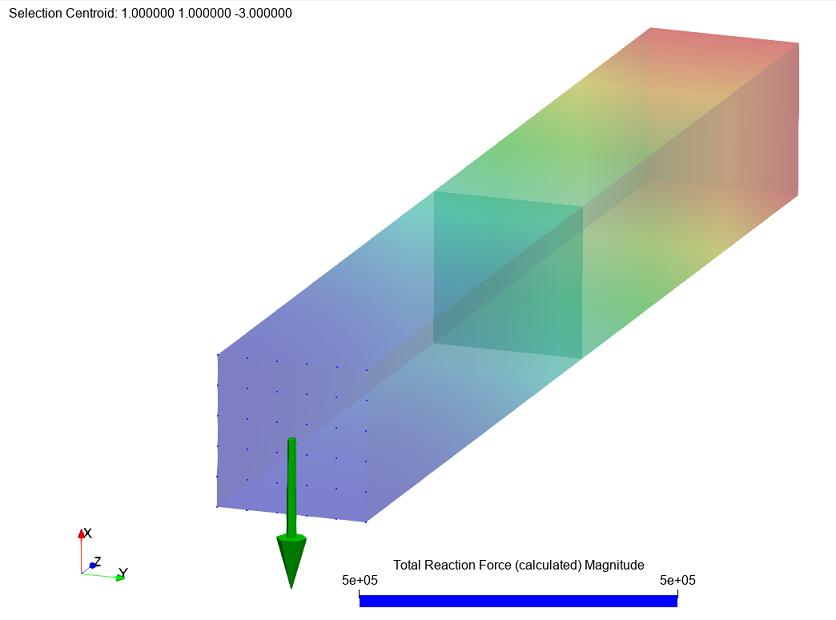
Filter "Total force and moment" used for display calculated data fields “total nodal forces” and “total nodal forces” moments", the filter clearly demonstrates the direction of the nodal force vector or moment.
In the total force and moment filter, it is convenient to display forces and moments of reactions in fastenings, nodal forces in contacts or connections. The filter is working with nodes of any finite elements.
The filter offers two ways to specify nodes for calculating internal nodal forces and moments:
1. From the input:

Select the nodes necessary for the calculation using end-to-end selection points:
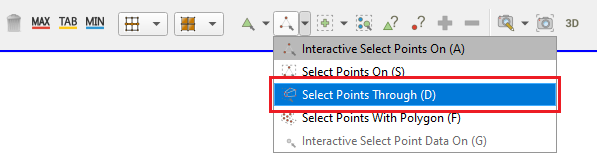
On the toolbar, select the Total Force And Moment -  or select in the top line Filters - Alphabetical
- Total Force And Moment.
or select in the top line Filters - Alphabetical
- Total Force And Moment.
Click Apply.
2. Using a node set:
Select in the top line Filters - Alphabetical - Total Moment.

In the drop-down menu, select the required set of nodes and click Apply.
In the filter that appears on the Properties page, select:
Center Origin Mode – the point relative to which the nodal forces and moments are calculated.

In the data fields, select the component to display:

Click Apply.
After applying the filter, it will be possible to hide/display the arrows of forces/moments and the center:

Step by step example using the Total force and moment filter