Search the documentation
Enter at least 2 characters
Enter at least 2 characters
|
CAE Fidesys 9.0 Documentation |
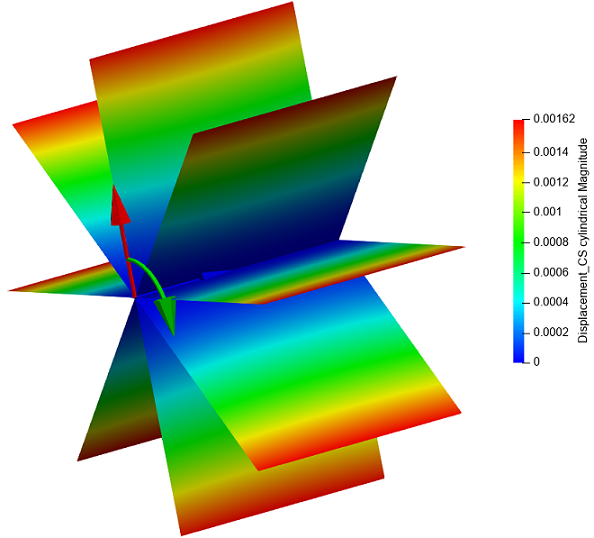
The Coordinate System (CS) filter allows you to convert calculated data fields (linearized stresses, displacements, strains, etc.) into spherical, cylindrical, and cartesian coordinates. The filter allows you to use coordinate systems defined in the preprocessor and created directly in the filter. The filter also allows you to output data fields in the coordinate systems of the elements.
Select on the top line Filters - Alphabetical - Coordinate System Conversions.
In the filter that appears on the Properties, select which type of CS you want to continue working with (Choose Available, Create New).
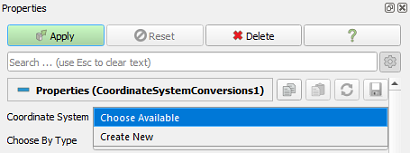
The available CS are coordinate systems created in the preprocessor and coordinate systems of elements (as in computing).
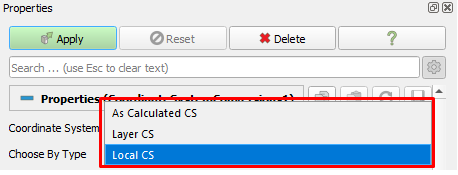
There are three ways to set a new CS in the filter:
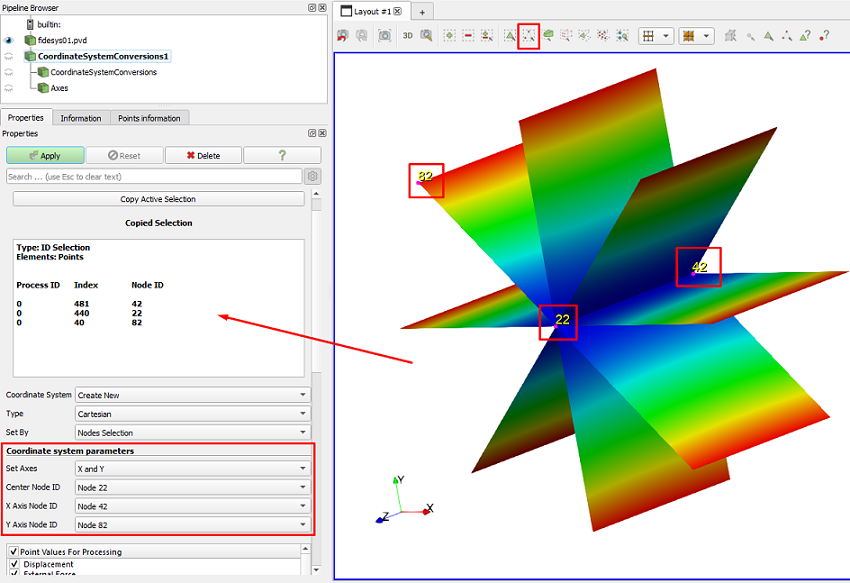
Nodes Selection – specify directly on the model the points defining the direction of the axes of the new CS relative to the axes of the cartesian CS.
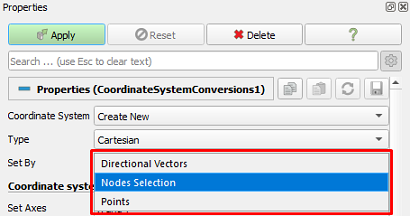
It is necessary to use ctrl to select the necessary nodes and copy them to the active selection, and then select the nodes in the coordinate system parameters.
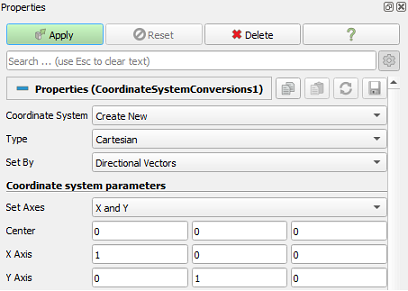
Directional Vectors – specify the directions of the vectors of the axes of the new CS relative to the axes of the cartesian CS.
Points – specify the coordinates of the points defining the direction of the axes of the new CS relative to the axes of the cartesian CS.
After selecting the SC to work with, select the data fields to process and click Apply.
After applying the filter, you'll be able to hide/show the coordinate system: