Search the documentation
Enter at least 2 characters
Enter at least 2 characters
 |
CAE Fidesys 9.0 Documentation |
The velocity is set on the command panel in the section Boundary conditions (Mode - Boundary Conditions, Entity - Velocity).
BC velocity can be applied to all types of geometric and finite element entity, except volumes. It can be used in time analysis tasks. When trying to use static in a task, the following error will be received:
Warning: Velocity boundary conditions are skipped in this type of analysis”.
By analogy with BC acceleration, given condition provides movement of the object to which it is attached, depending on from a moment in time.
This BC is considered by the example of a time analysis of a beam model at a constant velosity. All movements are prohibited on the left end of the beam. On the right, the velosity is set to 1 m/s. The problem was solved in 0.5 s increments for the interval time 2 s.
The following are the complete displacements at time t.
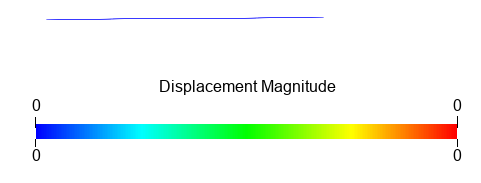
t=0
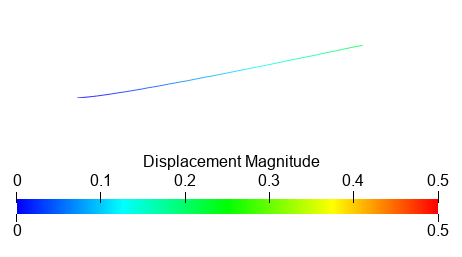
t=0.5
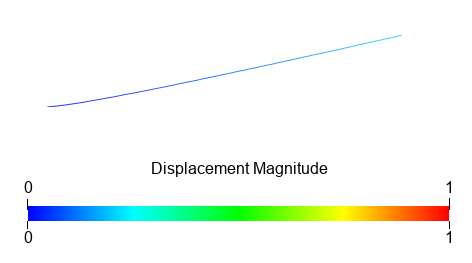
t=1
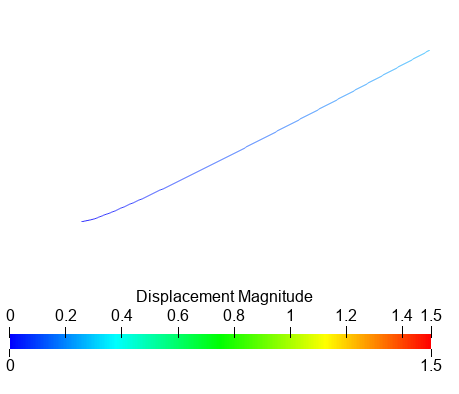
t=1.5
t=2