Search the documentation
Enter at least 2 characters
Enter at least 2 characters
 |
CAE Fidesys 9.0 Documentation |
Acoustic pressure allows you to specify pressure in liquid/gas regions in acoustic analysis or elastic-acoustic interaction analysis of media.
It should only be applied to entity in blocks of the acoustic environment category. This GI can be used in modal analysis, as a fixation of acoustic pressure at 0, and in harmonic analysis, provided it is defined as a harmonic function.
To create boundary conditions for acoustic pressure, you should:
On the Command Bar, select Mode - Boundary Conditions, Entity - Acoustic Pressure.
Select Action - Create.
Optionally specify a name for the boundary condition, specify the entity for which the acoustic pressure is applied, and enter a value.
Click Apply.
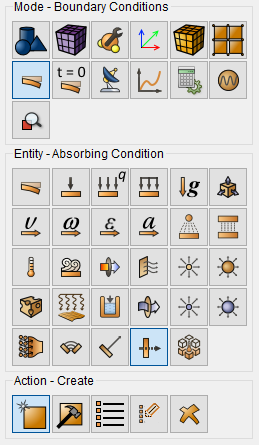
These interactive operations correspond to the following commands:
[create] acoustic pressure [name <name>] [<id>] [{add|on} {curve|node|nodeset|surface|vertex|volume} {[[id] {[<id>] [(<id range start> to <id range finish>)...]}...] [all] [except {[<except id>] [(<except id range start> to <except id range finish>)...]}...]}] [{value <value>|formula <formula id>|table <table id>}]
For example, to set the acoustic pressure on surface 2 to 1000, you can specify the following on the command line:
create acoustic pressure on surface 2 value 1000
Acoustic pressure can be applied to:
volumes;
surfaces;
curves;
vertices;
nodes;
sets of nodes.