Search the documentation
Enter at least 2 characters
Enter at least 2 characters
 |
CAE Fidesys 9.0 Documentation |
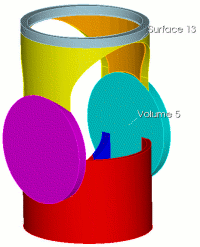
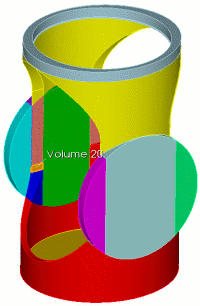
Acute corners present a particular challenge to the Sweep algorithm. In this example, a properly executed cut separates the apex of the acute corner to create an additional surface to support the sweep.
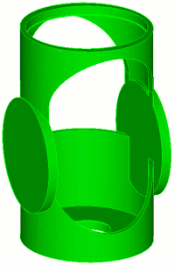
Fig. 1 - Geometric model.
Table 1. - Commands for performing actions to prepare the model for constructing a mesh using the sweeping scheme.
Section view |
Commands |
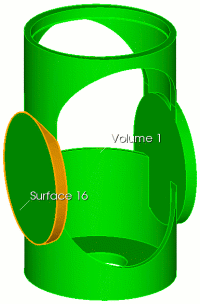 |
FIDESYS> webcut volume 1 with sheet extended from surface 16 |
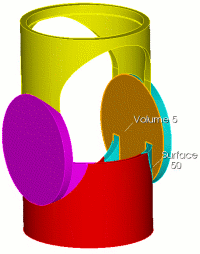 |
FIDESYS> webcut volume 5 with plane surface 50 |
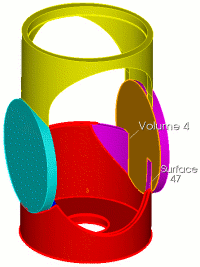 |
FIDESYS> webcut volume 4 with plane surface 47 |
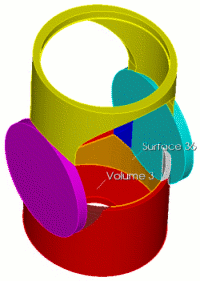 |
FIDESYS> webcut volume 3 with sheet extended from surface 36 |
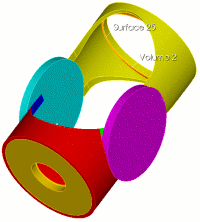 |
FIDESYS> webcut volume 2 with plane surface 25 |
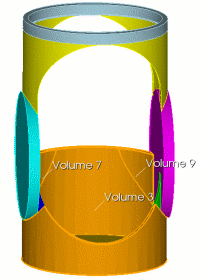 |
FIDESYS> unite volume 3 9 7 |
|
FIDESYS> webcut volume 5 with sheet extended from surface 13 |
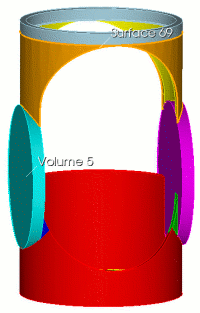 |
FIDESYS> webcut volume 5 with sheet extended from surface 69 |
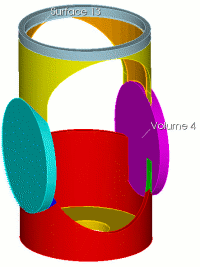 |
FIDESYS> webcut volume 4 with sheet extended from surface 13 |
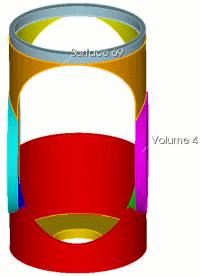 |
FIDESYS> webcut volume 4 with sheet extended from surface 69 |
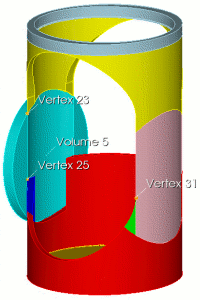 |
FIDESYS> webcut volume 5 with plane vertex 23 vertex 25 vertex 31 |
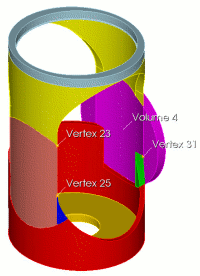 |
FIDESYS> webcut volume 4 with plane vertex 23 vertex 25 vertex 31 |
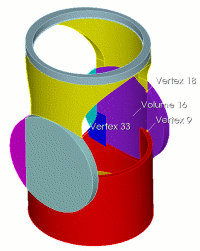 |
FIDESYS> webcut volume 16 with plane vertex 18 vertex 9 vertex 33 |
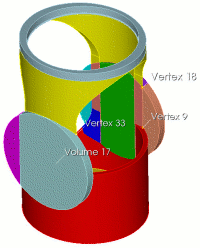 |
FIDESYS> webcut volume 17 with plane vertex 18 vertex 9 vertex 33 |
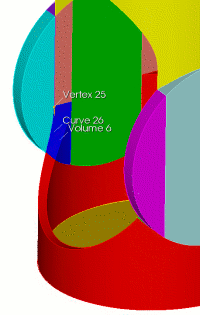 |
FIDESYS> webcut volume 6 with plane normal to curve 26 distance 0.6 from vertex 25 |
|
FIDESYS> delete volume 20 |
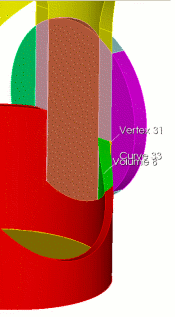 |
FIDESYS> webcut volume 8 with plane normal to curve 33 distance 0.6 from vertex 31 |
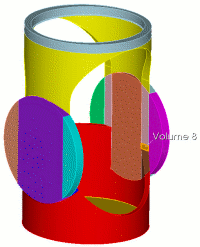 |
FIDESYS> delete volume 8 |
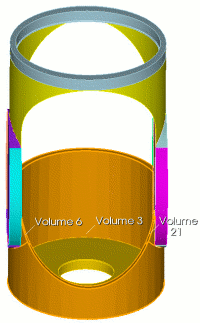 |
FIDESYS> unite volume 3 21 6 FIDESYS> imprint
volume all |
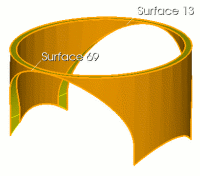 |
FIDESYS> volume 2 scheme sweep source 13 target 69 FIDESYS> volume 2 sweep smooth auto FIDESYS> unmerge volume all |
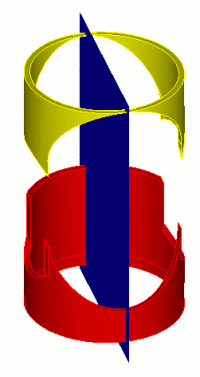 |
FIDESYS> webcut volume 2 3 with plane zplane |
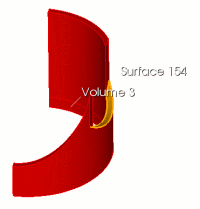 |
FIDESYS> webcut volume 3 with sheet extended from surface 154 |
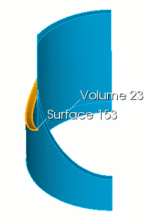 |
FIDESYS> webcut volume 23 with sheet extended from surface 153 |
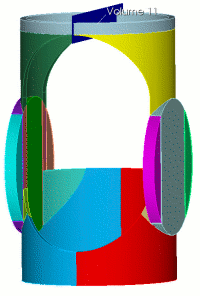 |
FIDESYS> webcut volume 11 with plane zplane noimprint nomerge FIDESYS> imprint volume all FIDESYS> merge volume all |
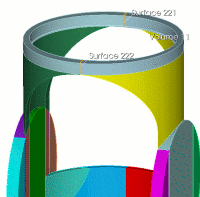 |
FIDESYS> volume 11 scheme sweep source surface 221 target surface 222 rotate off FIDESYS> volume 11 sweep smooth auto |
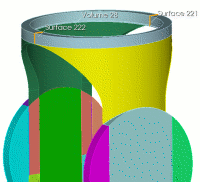 |
FIDESYS> volume 28 scheme sweep source surface 222 target surface 221 rotate off FIDESYS> volume 28 sweep smooth auto |
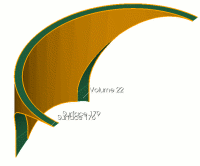 |
FIDESYS> volume 22 scheme sweep source surface 176 target surface 179 rotate off FIDESYS> volume 22 sweep smooth auto |
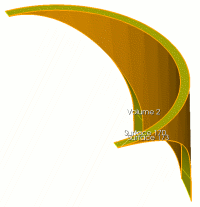 |
FIDESYS> volume 2 scheme sweep source surface 173 target surface 170 rotate off FIDESYS> volume 2 sweep smooth auto |
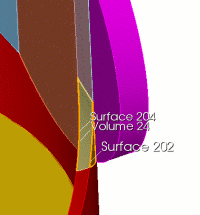 |
FIDESYS> volume 24 scheme sweep source surface 204 target surface 202 rotate off FIDESYS> volume 24 sweep smooth auto |
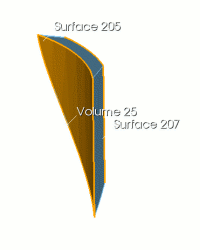 |
FIDESYS> volume 25 scheme sweep source surface 205 target surface 207 rotate off FIDESYS> volume 25 sweep smooth auto |
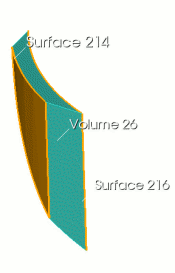 |
FIDESYS> volume 26 scheme sweep source surface 214 target surface 216 rotate off FIDESYS> volume 26 sweep smooth auto |
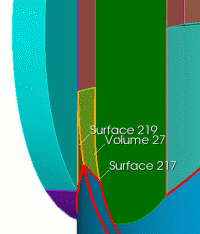 |
FIDESYS> volume 27 scheme sweep source surface 217 target surface 219 rotate off FIDESYS> volume 27 sweep smooth auto |
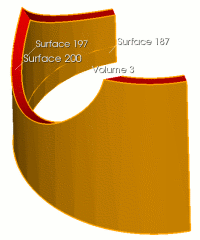 |
FIDESYS> volume 3 scheme sweep source surface 197 187 target surface 200 rotate off FIDESYS> volume 3 sweep smooth auto |
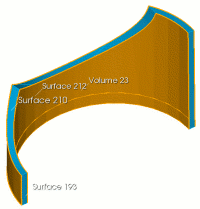 |
FIDESYS> volume 23 scheme sweep source surface 212 193 target surface 210 rotate off FIDESYS> volume 23 sweep smooth auto FIDESYS> volume all scheme auto FIDESYS> volume all size 0.2 FIDESYS> mesh volume all |
The constructed mesh looks like this, Fig. 2:
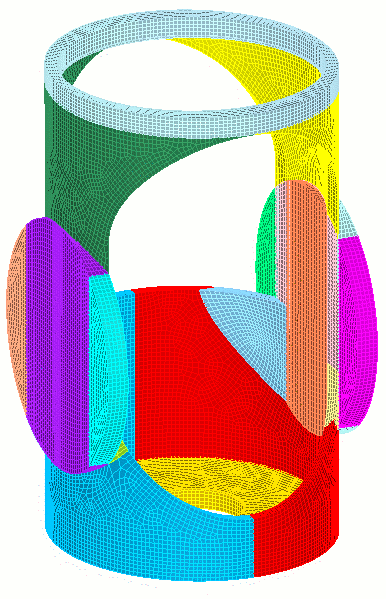
Fig. 2 - Resulting mesh.