Search the documentation
Enter at least 2 characters
Enter at least 2 characters
 |
CAE Fidesys 9.0 Documentation |
The model below includes several internal volumes that share common surfaces. The example may seem complex at first glance, but in reality the model only requires minor divisions. The point is that each of the internal volumes is suitable for sweeping, and in the same direction, and none of the connecting surfaces introduce additional topological entity when projecting/merging. In fact, only one cut is required to make this model suitable for automatic sweeping.
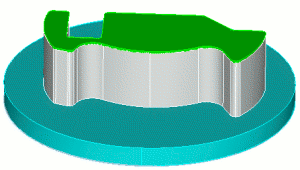
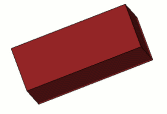
Fig. 1 - External appearance of the model
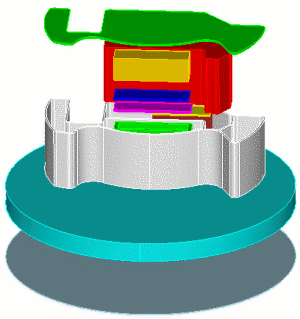
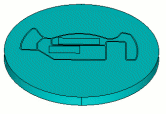
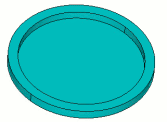
Fig. 2 - Internal structure
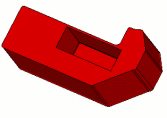
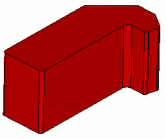
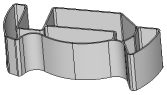
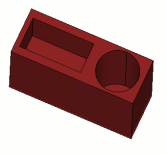
Let's check the suitability of the internal volumes for sweeping:
Table 1. - Checking the suitability of internal volumes for constructing a mesh using the sweeping method
Initial surface |
Final surface |
Sweep type. Explanation |
|
|
Many sources - one target. |
 |
 |
Many sources - one goal. |
 |
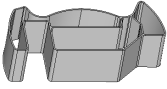 |
One source - one target. |
 |
 |
Many sources - one goal. |
 |
 |
Many sources - many targets. |
Table 2 - Types of possible sections in the model
Section view |
Commands |
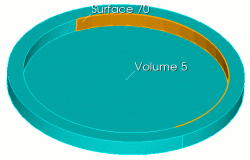 |
FIDESYS> webcut volume 5 with sheet extended
from surface 70 |
For all volumes, a mesh with an element size of 0.15 was constructed, Fig. 3:
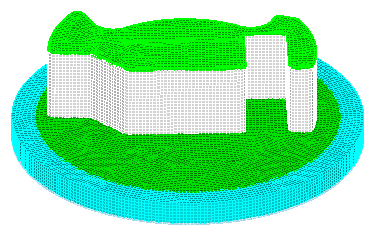
Fig. 3 - Model with constructed hexahedral volumetric mesh