Search the documentation
Enter at least 2 characters
Enter at least 2 characters
 |
CAE Fidesys 9.0 Documentation |
The geometric model is displayed in the graphics window by default in perspective mode; the viewpoint is on the positive z-axis (+z). This view can be changed by appropriate settings to check, for example, the orientation of newly created geometry. The graphical display is configured using the command line or interactively with the mouse.
The orientation of the displayed entity (viewpoint) can be changed, for example, using the from command.
FIDESYS>from 20 15 25
FIDESYS>display
To interactively change the orientation of the displayed entity, activate the graphics window by moving the cursor into it or by clicking on its upper part (depending on your operating system settings).
Use the left mouse button to rotate the entity image.
Use the middle mouse button to zoom in or out.
Try using your mouse to get the following image of the created geometric model:
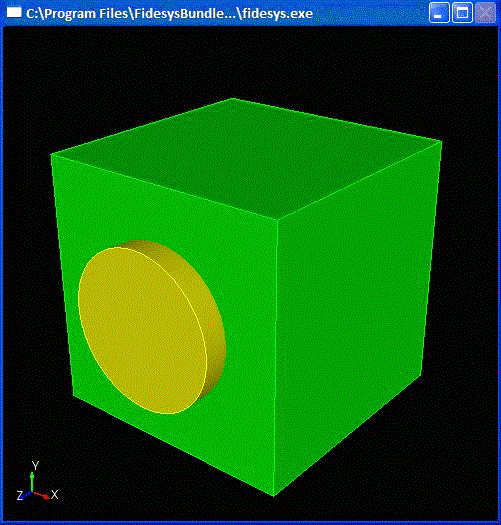
Fig. 6 Image in perspective mode

