Search the documentation
Enter at least 2 characters
Enter at least 2 characters
 |
CAE Fidesys 9.0 Documentation |
We can now begin to create a geometric model on which the mesh will then be built. Create a brick with a width of 10, a depth of 10, and a height of 10, i.e. a cube. The width and depth correspond to the x and y dimensions (coordinate axes) of the entity being created; they are measured horizontally and vertically on the screen. The height, or z dimension, extends out of the plane of the screen. The command to create this entity is:
FIDESYS> create brick width 10 depth 10 height 10 (OR)
FIDESYS> create brick x 10
The following image will appear in the graphics window:
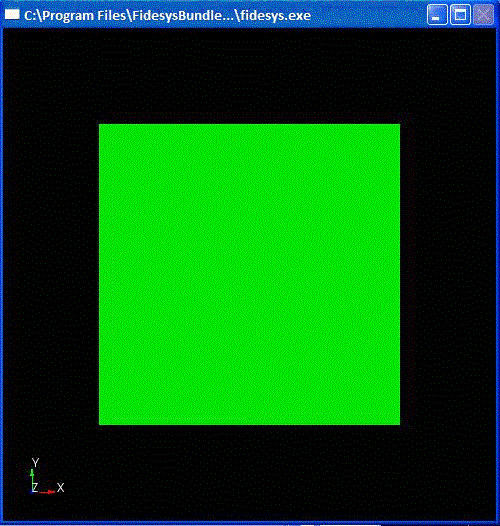
Fig. 4 Image of a brick (cube)

