Search the documentation
Enter at least 2 characters
Enter at least 2 characters
 |
CAE Fidesys 9.0 Documentation |
Run Fidesys. A console window will open with a message about the Fidesys version and the date of the last revision, Fig. 3. The console window looks like this: The console window displays commands and information about the success or failure of the actions.
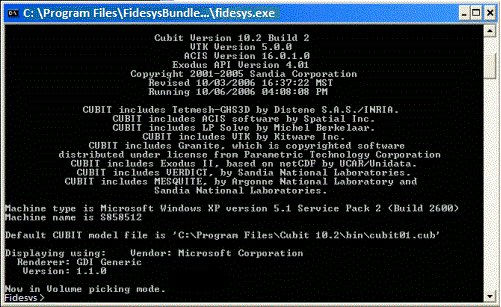
Figure 3 Console window
Notes:
The top of the console window contains information about the journal file, which stores the commands entered in this Fidesys session, for example: Commands will be journaled to cubit01.jou.
In addition to the Fidesys version information, the program also reports the ACIS and VTK versions integrated into Fidesys.
The command line prompt appears after the above information and looks like: FIDESYS>.
Commands are entered when prompted and completed using the "Enter" key.
After the program is launched, a graphical window with three coordinate axes in the lower left corner also appears (this window does not appear if Fidesys is launched with the - nographics option).

