Search the documentation
Enter at least 2 characters
Enter at least 2 characters
 |
CAE Fidesys 9.0 Documentation |
In CAE Fidesys version 8.0, a new converter has been added for a series of files in the *.DICOM*.dcm format. Digital Imaging and Communications in Medicine (DICOM) is an industry-standard format used for storing and sharing medical images. Each pixel in a DICOM image stores information about tissue density, which enables distinguishing soft tissue from bone, for example. This density is not an absolute value but a measure of how much light is attenuated by the tissue. It is expressed using the Hounsfield scale (HU), where 0 HU corresponds to the density of distilled water.
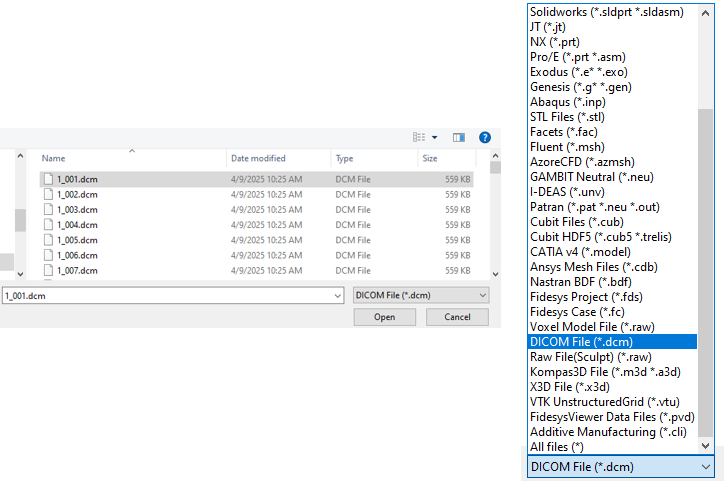
As a result of processing CT scan data, a *geometric model in .stl format will be imported, based on the density values given in Hounsfield units. The finite element mesh is then automatically generated using the Sculpt method.
The resulting geometry can be refined or modified using the “set developer on” mode. If needed, the finite element mesh can also be rebuilt either as a tetrahedral mesh or using the Sculpt method, depending on model complexity.
To import in the Dicom File – Importing Settings widget, you must specify the following parameters:
The Hounsfield index limits field defines value ranges for identifying different materials. In CAE Fidesys 8.0, this is defined as follows:
40,150,350,850
Here, 40–150 is the HU range for the first material, and 350–480 is the range for the second material.
Hounsfield index values for various materials should be taken from reference sources. For example, typical HU values used in dental imaging include:
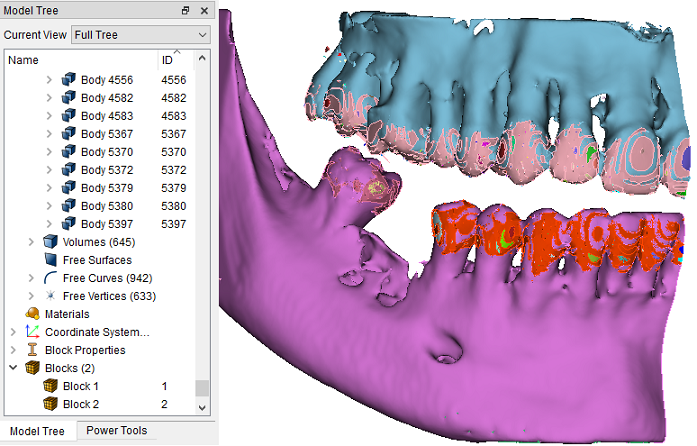
The images below show a CT jaw scan imported with segmentation into two materials:
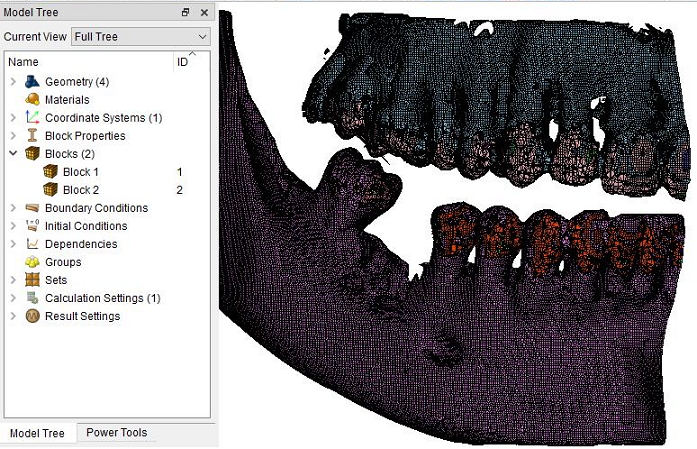
Parameters Entered During Conversion:
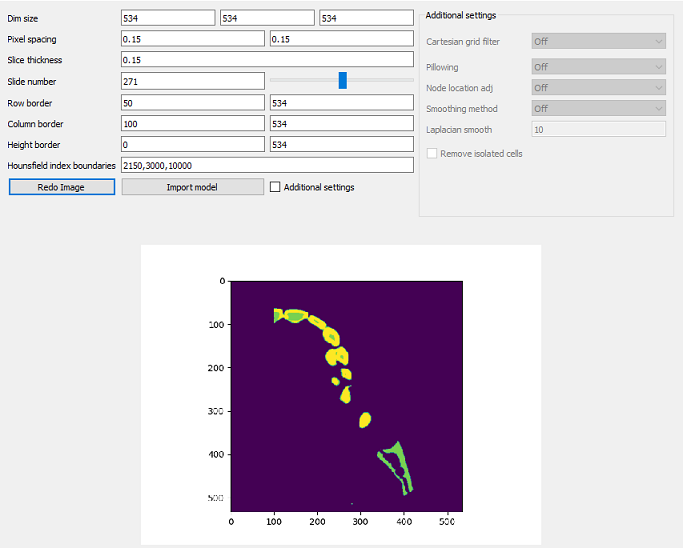
An image preview has been added for user convenience.