Search the documentation
Enter at least 2 characters
Enter at least 2 characters
 |
CAE Fidesys 9.0 Documentation |
Solver settings for static strength calculation are made from the Command Panel by selecting (Mode - Calculation Settings, Calculation Settings - Static, Static - Solver).
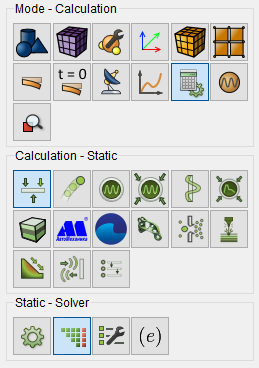
Fig. 1 - Command panel, solver settings for static calculation
First, in the drop-down list choose a method for solving a system of linear algebraic equations (SLA): direct (LU-decomposition) or iterative; by default, the method is selected automatically. If the iterative method is selected, the Command Panel acquires the following view:
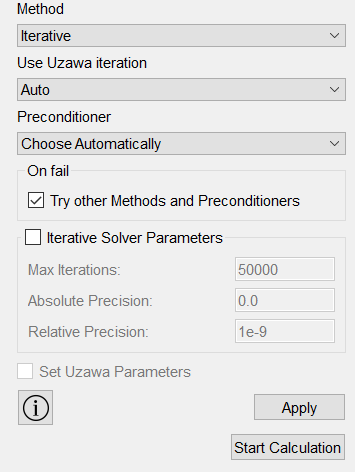
Fig. 2 - Command panel, iterative solver settings
Convergence of iterative methods of solving SLOUGH (one of they are the Uzava method) depends on the conditionality of the stiffness matrix the system. To improve convergence , you can use preconditioning:
For the iterative method, it is necessary to set the groups in the input windows Iterative solver parameters convergence parameters of the solution or leave the default values.
Click Apply.
Click Start Calculation.