Search the documentation
Enter at least 2 characters
Enter at least 2 characters
 |
CAE Fidesys 9.0 Documentation |
SEG-Y is a sequential trail format designed for storing fully or partially processed seismic data.
https://en.wikipedia.org/wiki/SEG-Y
To record the selected calculation results in the SEG-Y format, it is necessary to place the Receivers on the model in the preprocessor (Command Panel, Mode - Receivers, Operation - Create).
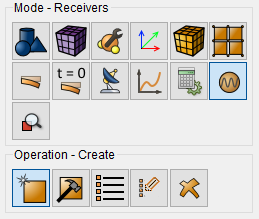
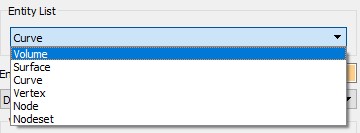
Select from the drop-down list the geometric entities that will be receivers.
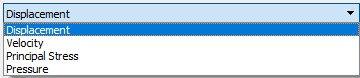
Specify which data fields to save in SEG-Y format.
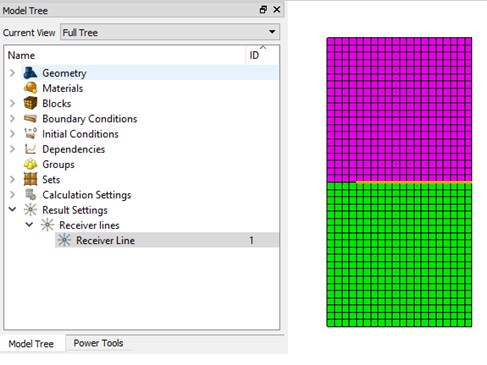
Installed receiver lines are displayed in the Tree on the left in the Results Settings section.
Viewing data in SEG-Y format is possible in the FidesysViewer postprocessor, and you need to open the file with the .sgy extension.
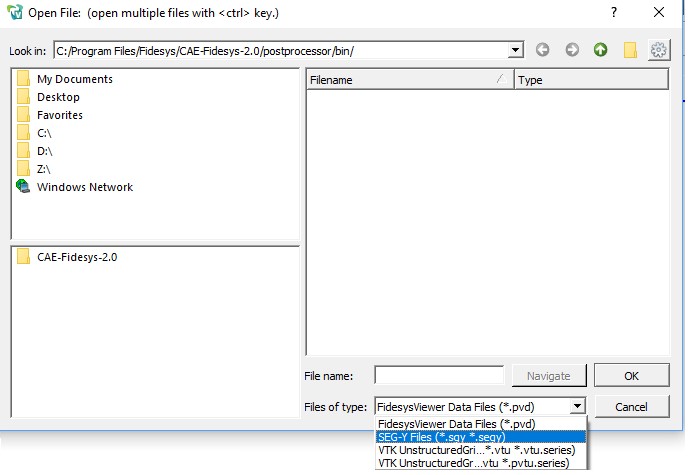
In FidesysViewer, it is possible to select the required subregions of the model using the Slice / Clip filters (Menu - Filters - Alphabetical Index - Slice).
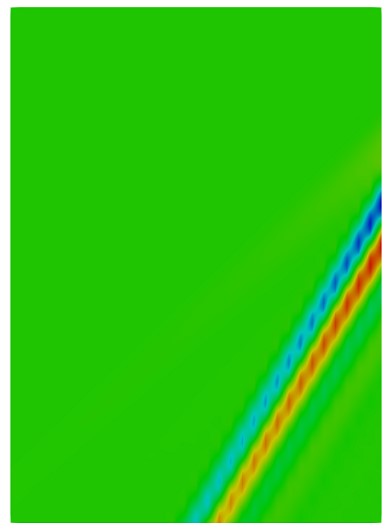
An example of the resulting SEG-Y file for Vy speed in CAE Fidesys:
Features of writing data to the * .sgy file