Search the documentation
Enter at least 2 characters
Enter at least 2 characters
 |
CAE Fidesys 9.0 Documentation |
Filter "Plot Over Path" is used to plot the sequence of nodes selected on the model.
To work with the filter, it is necessary to mark nodes on the model
using an interactive point selection 
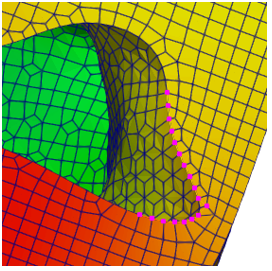
Next, you need to connect Filters - Alphabetical - Plot Over Path. Click Apply. As a field to display on the chart, select Displacement_Magnitude. As a result, the required graph will be displayed on the right side of the screen.
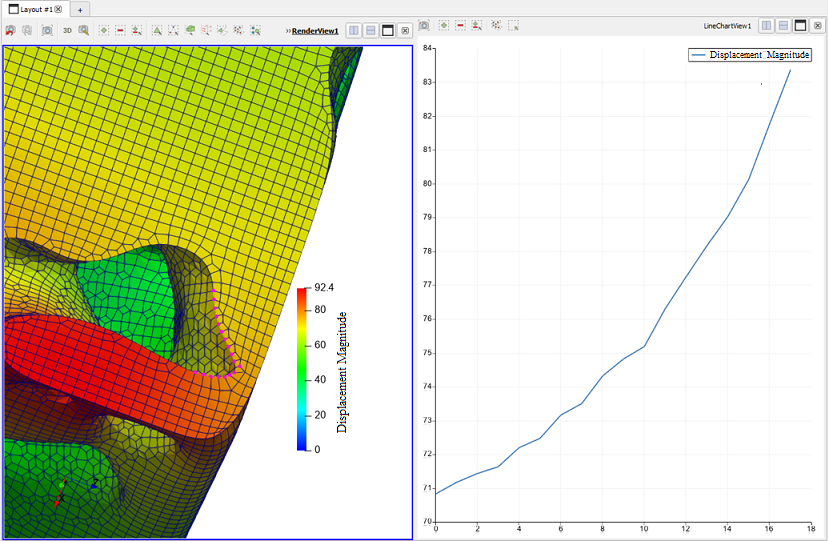
The Export File option is available for the graph to export the values in *.csv format. The filter functionality is partially duplicated in Plot Data and placed separately for easier access.