Search the documentation
Enter at least 2 characters
Enter at least 2 characters
 |
CAE Fidesys 9.0 Documentation |
1. Open result file * .pvd in FidesysViewer.
2. Select the “Warp By Vector” filter
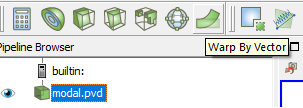
3. Select in the filter a vector with the mode data required for display.
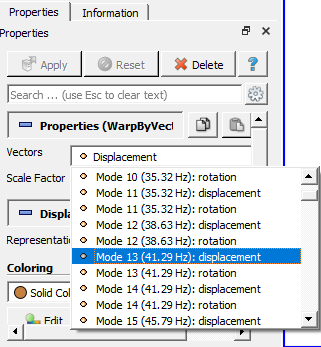
4. Select acceptable “Scale Factor” at which deformation of geometry will be visible.
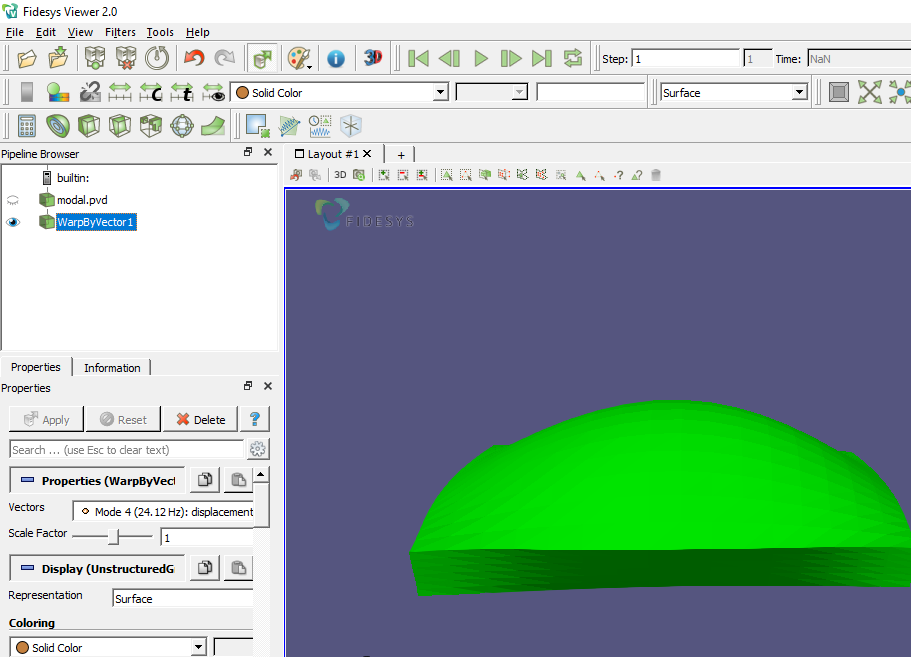
5. Open the menu "View" - "Animation View". A panel with settings will appear.

6. Add an animation for the WarpByVector1 filter by selecting “Scale Factor” as the time variable parameter.
Click the icon  .Set the required number of frames
in the «No. Frames» field.
.Set the required number of frames
in the «No. Frames» field.
7. Open the window with the settings “Animations Keyframes” by double-clicking the left mouse button on the line with the animated filter.
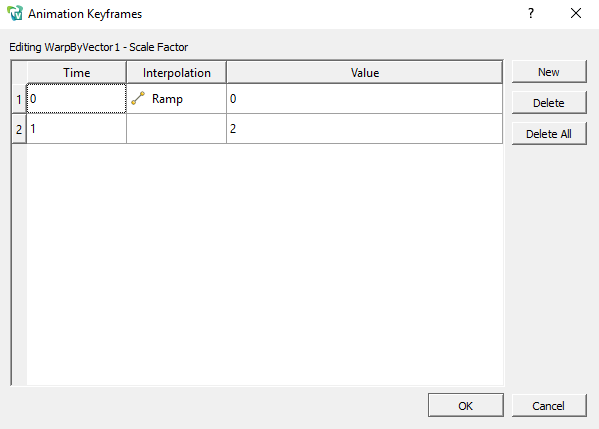
8. Set the keypoints in time and the law according to which the interpolation of the variable parameter (“Scale factor”) is performed. Click "OK".
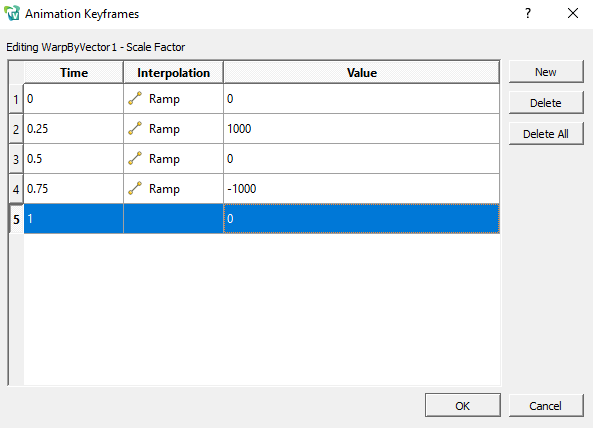
9. Turn on the animation with the Play button in the top bar.