Search the documentation
Enter at least 2 characters
Enter at least 2 characters
 |
CAE Fidesys 9.0 Documentation |
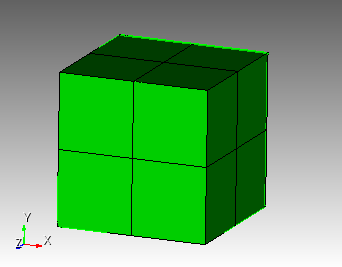
1. Create a cube.
On the command bar, select the module for constructing volume geometry (Mode - Geometry, Entity - Volume, Action - Create).
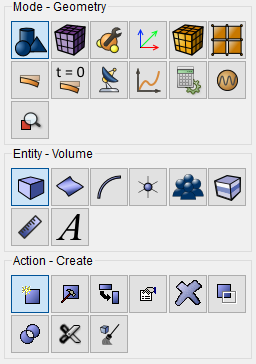
From the list of geometric primitives, select Brick.
Set the following parameters:
X (width): 1.
Click Apply.
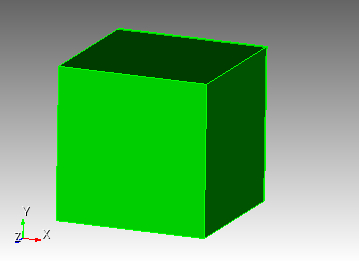
1. Create a square mesh for the model.
On the command bar, select the volume mesh module (Mode — Mesh, Entity – Volume, Action – Mesh).
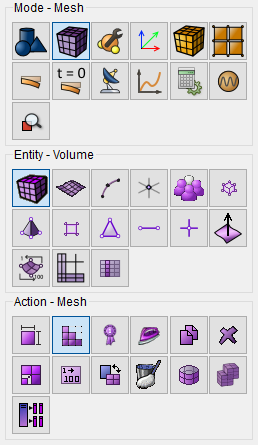
Select from the list Map.
Set the following parameters:
Select Volumes: 1.
Click Mesh.
2. Create a mesh.
On the command bar, select the volume mesh module (Mode — Mesh, Entity – Volume, Action – Intervals).
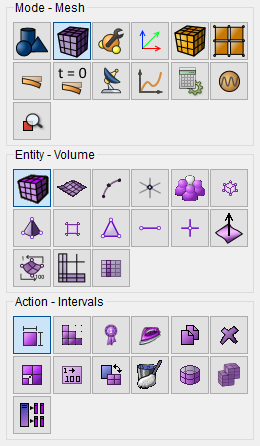
Select from the list Approximate Size.
Set the following parameters:
Select Volumes: 1;
Approximate Size: 0.5.
Click Apply Size.
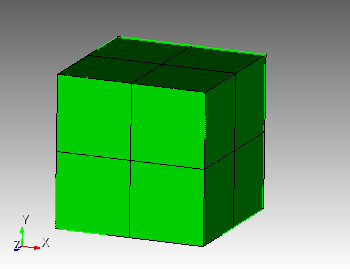
Click Mesh.
1. Set the first material.
In the command bar, select the module for specifying material properties (Mode — Material, Entity — Materials Management).
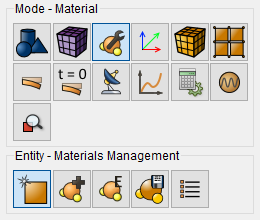
In the column "Material" enter the name of the material Material1.
Click Apply.
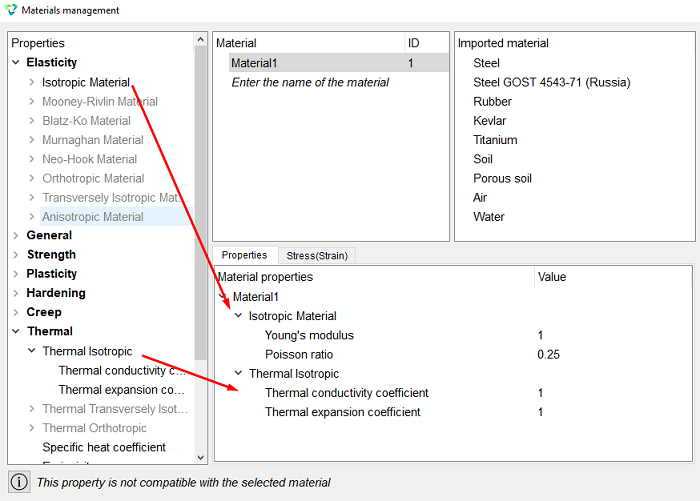
In the column "Material properties" select the created material, then drag the desired properties to it from the left column.
Drag properties and specify their value:
Young's modulus: 1;
Poisson ratio: 0.25;
Thermal conductivity coefficient: 1;
Thermal expansion coefficient: 1.
Click Apply.
Close the Materials management window.
2. Create a block.
On the command bar, select the block management module (Mode — Blocks, Entity – Block, Action – Add).
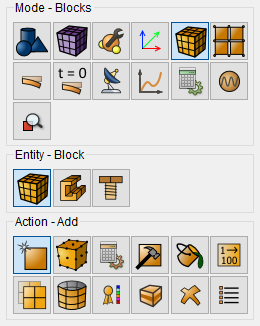
Set the following parameters:
Entity List: Volume;
Entity ID(s): 1.
Click Apply.
3. Set the block parameters.
On the command bar, select the block management module (Mode - Blocks, Entity - Block, Action - Block properties/parameters).
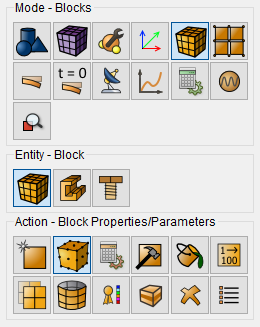
Set the following parameters:
Block ID(s): 1;
Category: Solid;
Material: Material1;
Coordinate System: Global Cartesian;
Order: 2.
Click Apply.
1. Set the type of problem you want to solve.
On the command bar, select the calculation settings module (Mode — Calculation Settings, Calculation Settings — Effective Properties, Effective Properties — General).
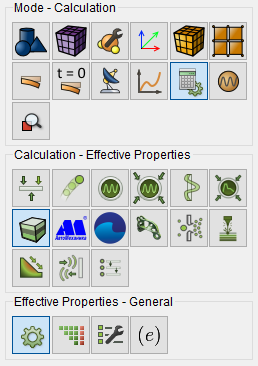
Please select:
Dimension: 3D;
Type of BC: Nonperiodic;
Model: Elasticity.
Click Apply.
Click Start Calculation.
2. In a pop-up window select a folder to save the result and enter the file name.
3. If the calculation is finished successfully, you will see a message in the Console: “Calculation finished successfully at "date time".
1. Check out the results in the window that appears Process effective properties data.
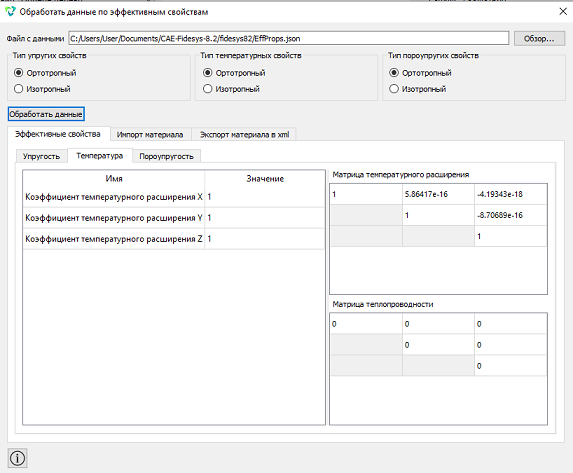
Geometry creating, meshing, setting boundary conditions and materials can be performed using the console interface. Below is a link to the program code that allows you to perform the steps described above manual, you only need to specify the full path and name.