Search the documentation
Enter at least 2 characters
Enter at least 2 characters
 |
CAE Fidesys 9.0 Documentation |
If there are plug-ins installed that are used to open models in the preprocessor, CAE Fidesys supports integration with BricsCAD и NanoCAD.
Below are two integration checks with external CAD/CAE systems NanoCAD and BricsCAD with the software package CAE Fidesys. The verification is considered successful if the successful export of the model to CAE Fidesys is confirmed.
Figure 1 shows a detail of the technical design in the computer-aided design system BricsCAD.
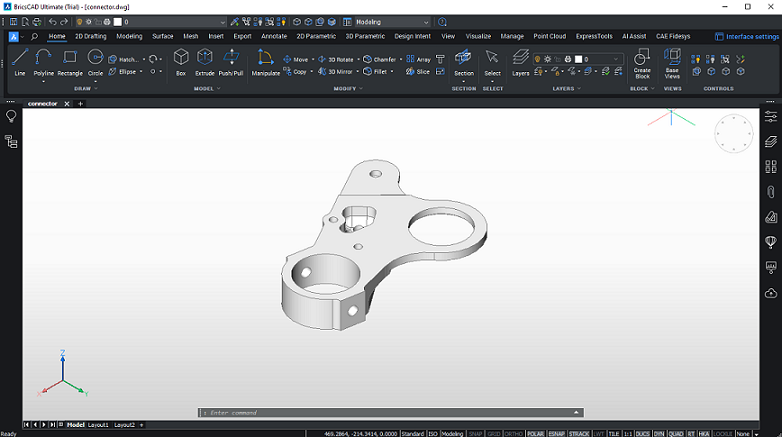
Fig.1 - Geometric model of a technical design detail
To export a model to CAE Fidesys, go to the CAE Fidesys tab on the main BricsCAD ribbon and click on Open in CAE Fidesys (Fig. 2).

Fig.2 - Exporting a model to CAE Fidesys
As a result, the program window CAE Fidesys opens, which demonstrates the successful export of the part (Fig. 3).
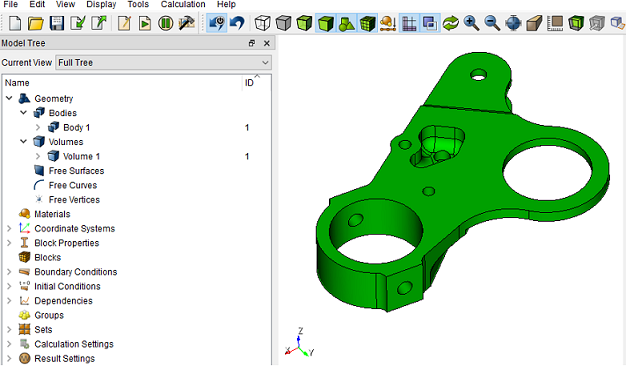
Fig.3 - Successful export of the model to CAE Fidesys
Figure 4 shows a model of a car disk in the computer-aided design system NanoCAD.
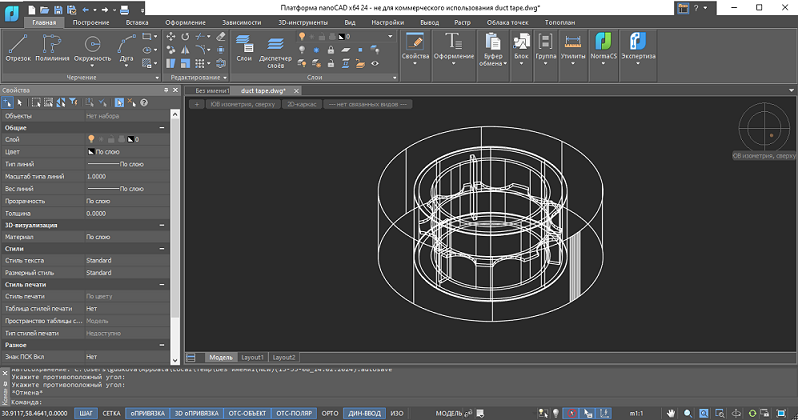
Fig.4 - Geometric model of a car disc
To export a car disk model to CAE Fidesys, go to the Output tab on the main NanoCAD ribbon and click Open in CAE Fidesys (Fig. 5).

Fig.5 - Exporting a model to CAE Fidesys
As a result, the program window CAE Fidesys opens, which demonstrates the successful export of the car disk (Fig. 6).
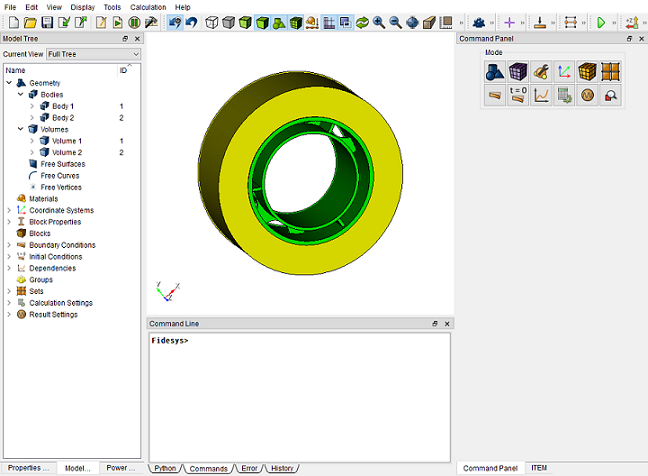
Fig.6 - Successful export of a car disc model to CAE Fidesys