Search the documentation
Enter at least 2 characters
Enter at least 2 characters
 |
CAE Fidesys 9.0 Documentation |
Dependence on time or coordinates can be set separately for each type of boundary conditions using tabular and formula dependencies.
The boundary conditions must be set in advance (Mode - BC Dependency).
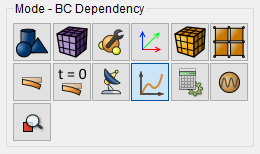
To set a formula dependency on the command bar, select the module setting boundary conditions (Mode - Boundary Conditions, Entity — BC Dependency) and in the form that appears:
select the type of BC;
select a single component or the entire vector for the application depending on the time;
select the type of dependency (the formula can be entered manually, for depending on the time, you can use standard formulas);
set the dependency parameters.
Click Apply.
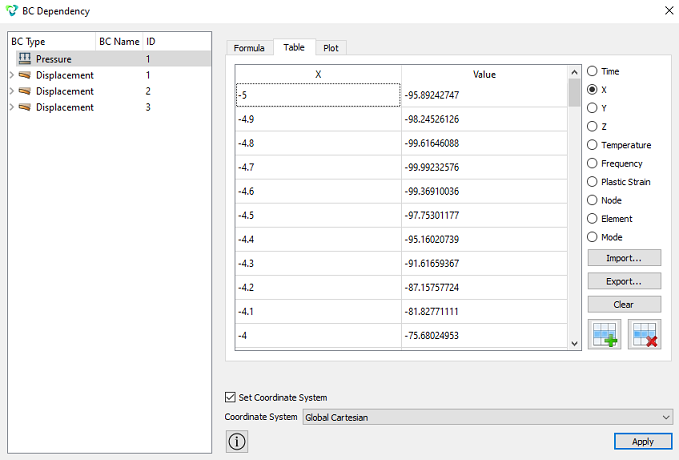
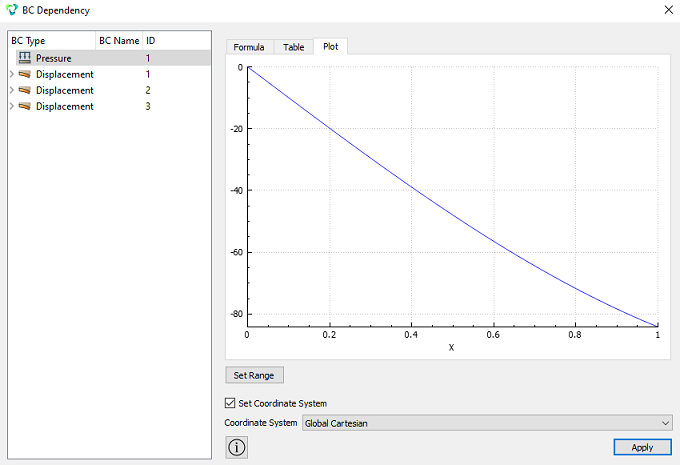
To view tabular data or a graph based on a given formula, go to the corresponding tabs in the BC Dependency window. Except in addition, it is possible to export tabular data or import new tables.
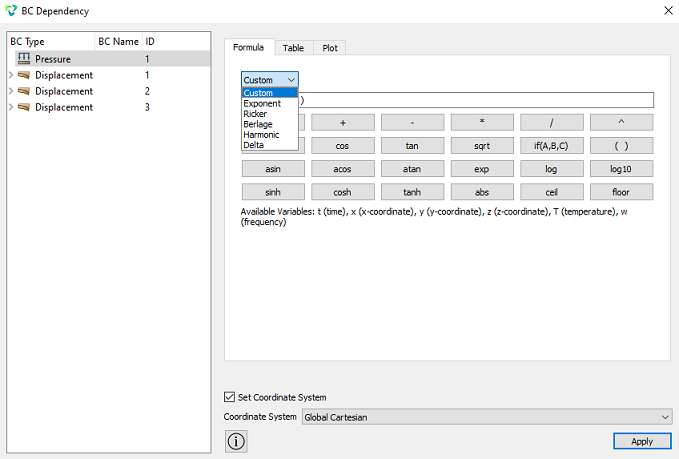
Standard formulas for time dependence:
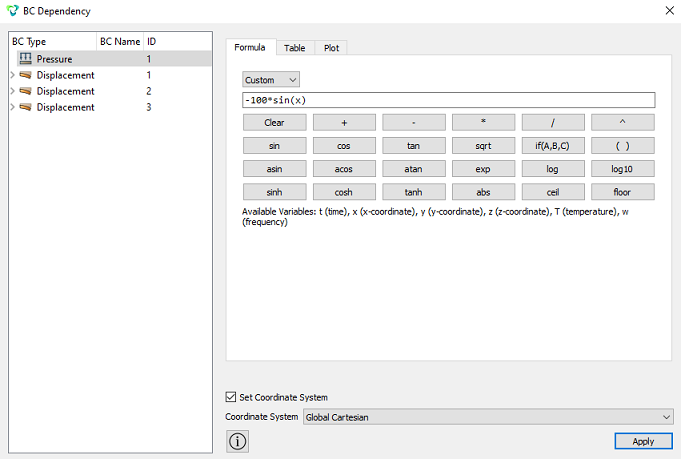
Viewing tabular data corresponding to the formula -100*sin(x):
Viewing a graph corresponding to the formula -100*sin(x):
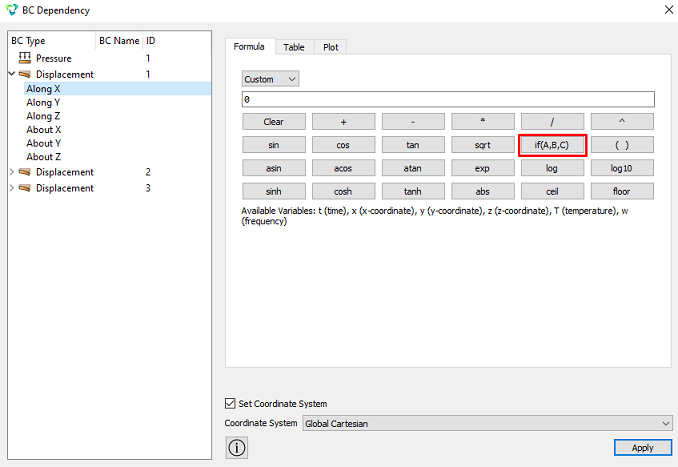
When setting the condition if(A,B,C), it must be taken into account that A - condition, B - true, C - false: