Search the documentation
Enter at least 2 characters
Enter at least 2 characters
 |
CAE Fidesys 9.0 Documentation |
The picture below shows the window exterior «Process effective properties data».
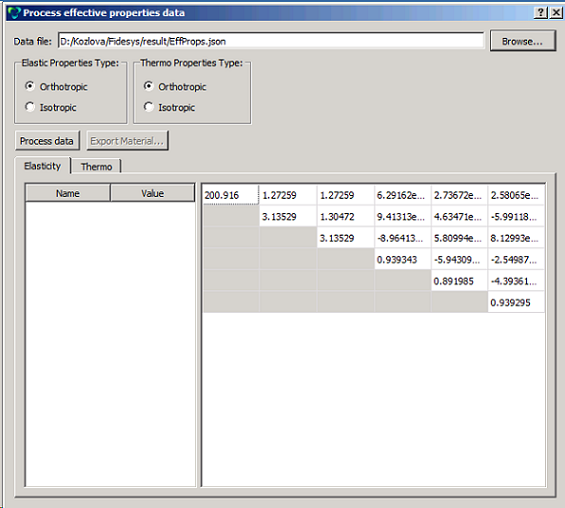
If the processed material constants satisfy the user, the option to export the material into the file XML is available in the same window. You need to select a name for the effective material and the name of the XML file into which it will be exported. When you click «Export Material», the system first creates the material with the name entered and with the obtained effective properties. Then all materials created during the calculation are exported to an XML file with the entered name. You can import these materials from the created file.
If a heterogeneous material, the efficient properties of which are investigated, is orthotropic or isotropic for empirical reasons and the calculation results do not correspond to that – you should try to refine the mesh or to choose a model for calculation differently.
>>>>> Finding the axes of orthotropy and orthotropic effective properties in these axes