Search the documentation
Enter at least 2 characters
Enter at least 2 characters
 |
CAE Fidesys 9.0 Documentation |
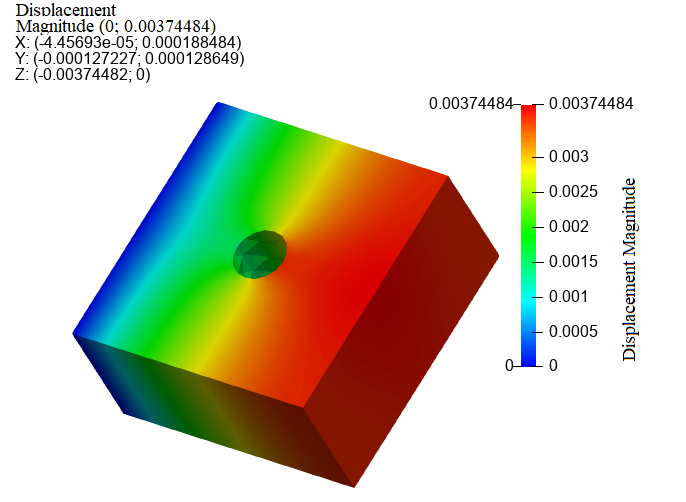
You can display model text annotation in the Properties panel in Fidesys Viewer by clicking the Annotation checkbox:

As a result, information about the ranges of all display field component:
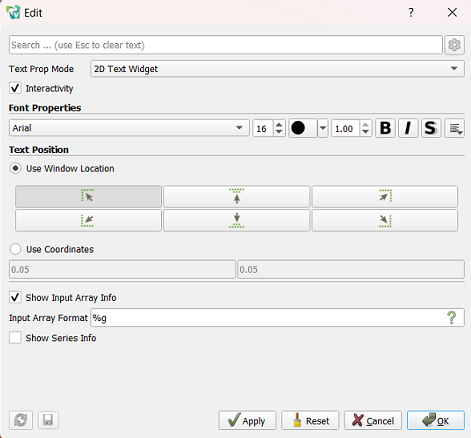
Set the desired location of the text annotation in the graphics window, as well as the font and various effects can be found in a separate window by clicking the button Edit:
You can display the time in the text annotation by selecting the Show information option about the series:
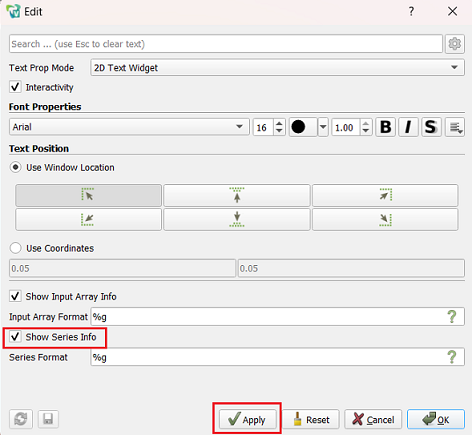
Click Apply to display the text annotation with your selections. settings.