Search the documentation
Enter at least 2 characters
Enter at least 2 characters
 |
CAE Fidesys 9.0 Documentation |
The Command Panels provide a graphical means of accessing almost all of the CAE Fidesys functionality. The main CAE Fidesys Command Panel is divided into six modes. Each of these modes pertains to a major component of the CAE Fidesys application. To view information about each of the tools in the Control Panel select the help icon on each panel to access context specific help.
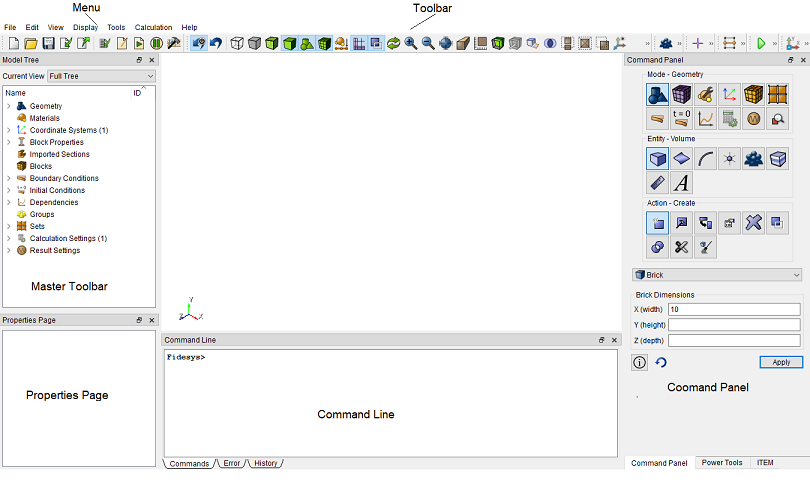
Figure 1. The CAE Fidesys Control Panel
A brief description of the functionality of the Control Panel window follows.