Search the documentation
Enter at least 2 characters
Enter at least 2 characters
 |
CAE Fidesys 9.0 Documentation |
The edge swap command allows a user to target
a specific edge between two triangles (similar functionality for quads
and tets has not been included) and change the connectivity of the triangles. Multiple
edges can be swapped simultaneously. The input order of the edges
is the order in which the swaps will be performed.
Typically, the edge swap command is used to specifically repair local mesh
connectivity.
Swap Edge <id_list>
The following images show the before and after views of a model where the highlighted edge is swapped. The edge in each image is the same edge.
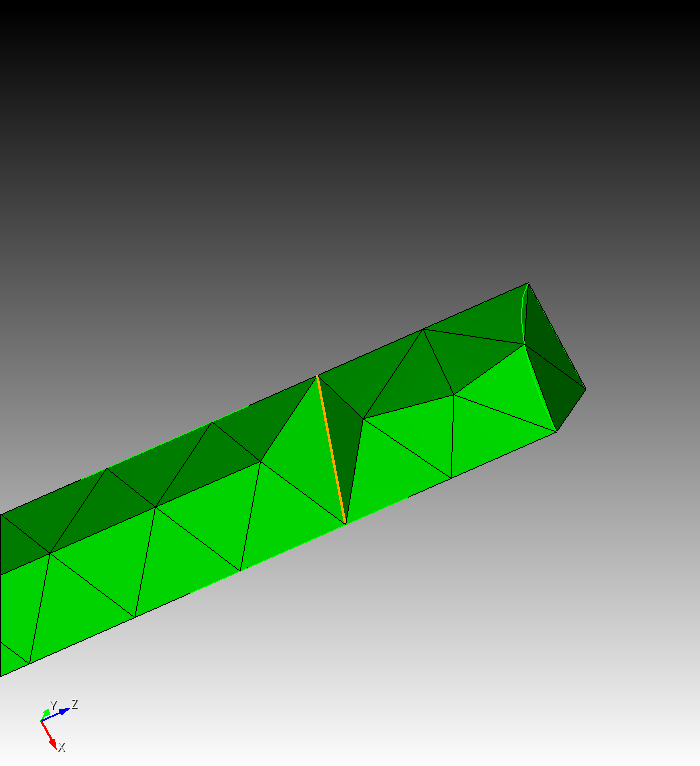
Image 1 - Before edge swapping
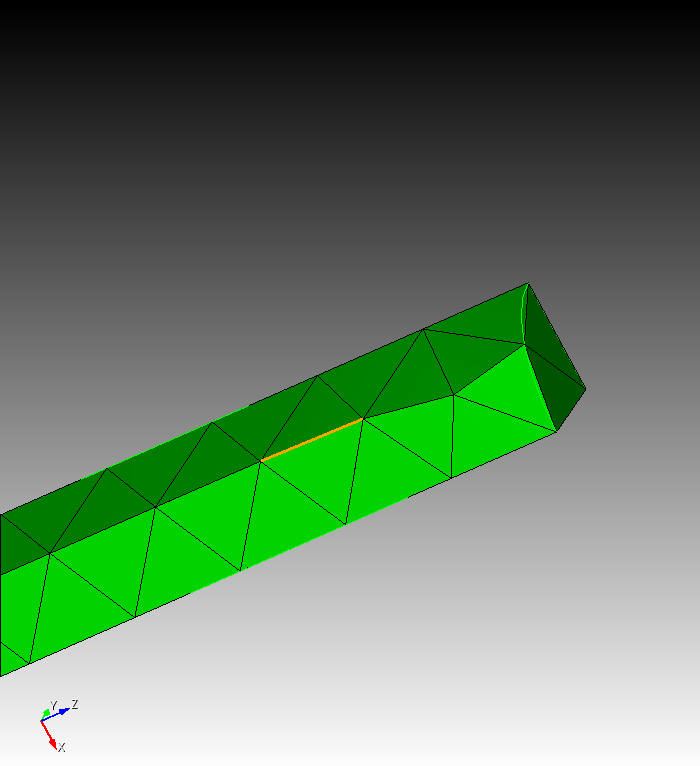
Image 2 - After edge swapping