Search the documentation
Enter at least 2 characters
Enter at least 2 characters
 |
CAE Fidesys 9.0 Documentation |
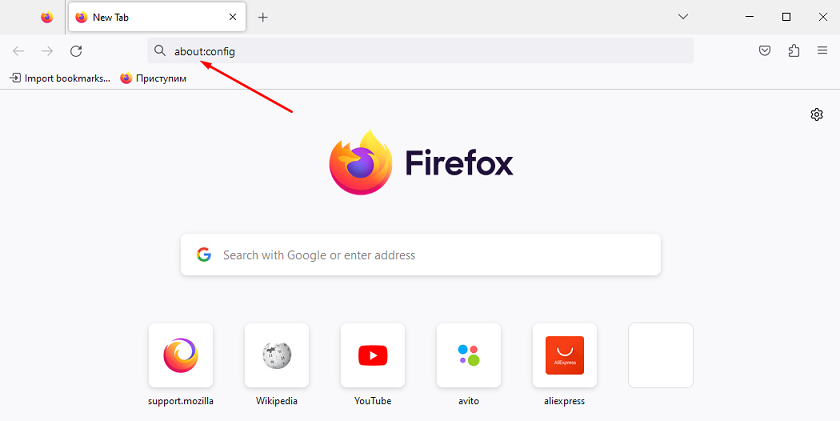
Open Firefox and type about:config in the address bar.
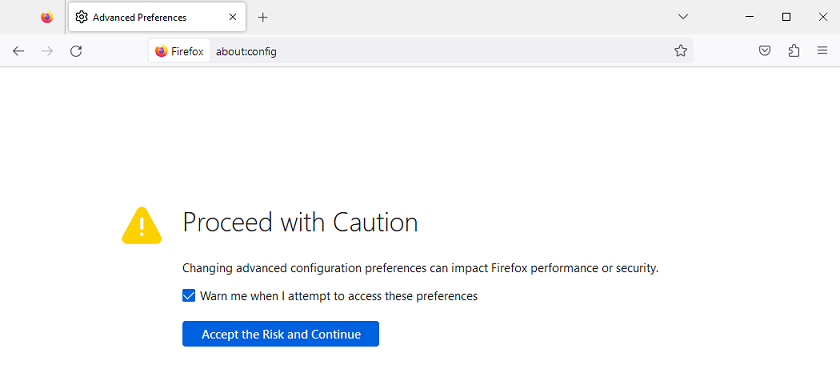
On the warning message page, click Accept the Risk Continue.
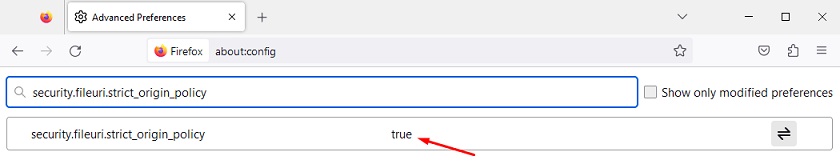
Search for security.fileuri.strict_origin_policy. By default, the value for security.fileuri.strict_origin_policy preference is set to true.
Double-click on the security.fileuri.strict_origin_policy, preference to change its value to false.
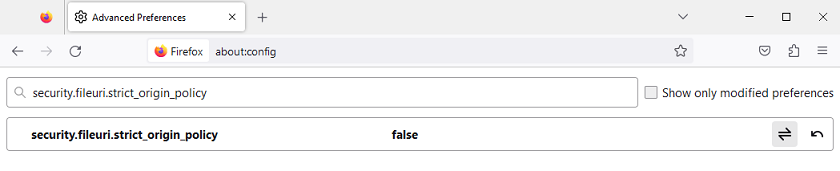
As a result, the help CAE Fidesys will be displayed correctly in the Firefox browser.