Search the documentation
Enter at least 2 characters
Enter at least 2 characters
 |
CAE Fidesys 9.0 Documentation |
This command removes the overlap between two volumes. First two parameters in a team, these are two volumes that intersect. Parameter "modify volume" represents the volume from which the part of the intersection will be removed. In the example below, Fig. 1 shows two overlapping volumes. Face of a box is inside the sphere, and part of the sphere is inside the cuboid. figure. 2 shows the result obtained after executing the command, with the volume removed from the box.
RemoveOverlap Volume <id><id> Modify Volume <id>
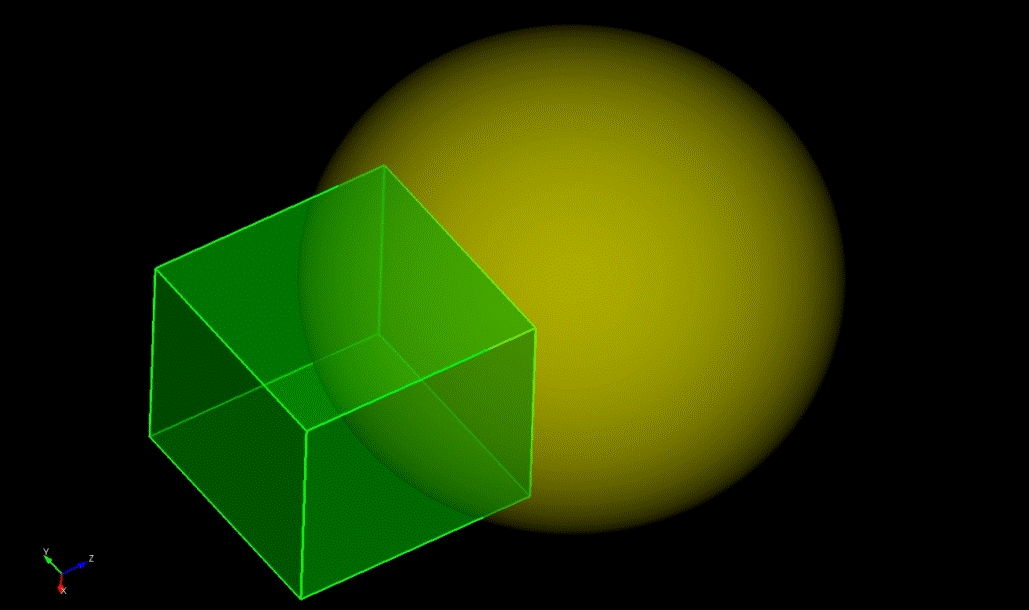
Figure. 1 - Two overlapping volumes
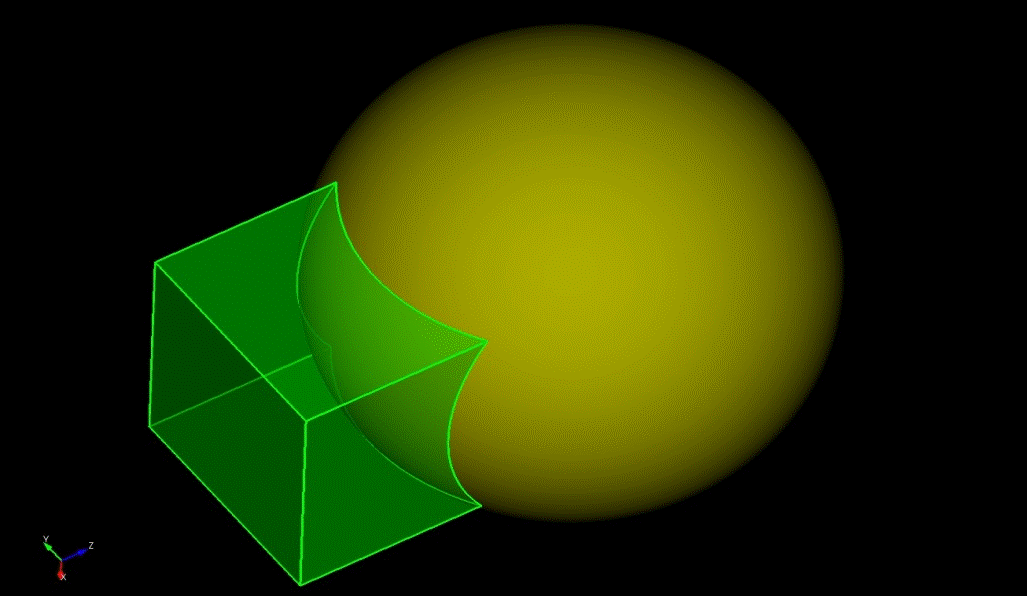
Figure. 2 - The result obtained after executing the command, with the volume removed from a parallelepiped.