Search the documentation
Enter at least 2 characters
Enter at least 2 characters
 |
CAE Fidesys 9.0 Documentation |
CAE Fidesys supports point masses (lumpmass elements).
To set the properties of the point mass, go to Mode - Blocks, Entity - Block - Action - Block properties/parameters. The category when assigning the element type to the block must be Lumpmass.
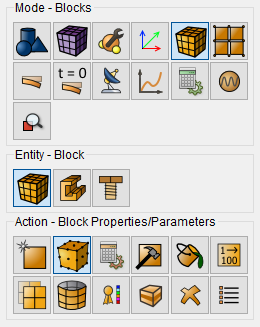
When you select the Point Mass category, the Set Sphere elements Properties button should appear. When you click on it, a new window opens for setting the required parameters. Indicate:
block ID;
mass;
Inertia moment.
Click Apply
 3D point mass view is possible in the FidesysViewer
postprocessor by clicking 3D-view button in the default string.
3D point mass view is possible in the FidesysViewer
postprocessor by clicking 3D-view button in the default string.