Search the documentation
Enter at least 2 characters
Enter at least 2 characters
 |
CAE Fidesys 9.0 Documentation |
Configure fields output the results of the calculation with frequency the analysis is performed from the command Bar by selecting (Mode - Calculation Settings, Calculation Settings - Frequency Analysis, Frequency Analysis - Output Fields).
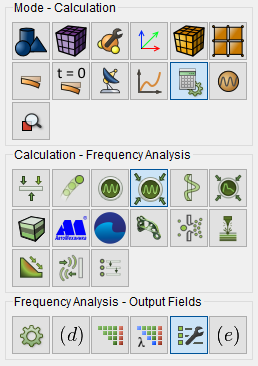
Fig. 1 - Command panel, output field settings
To display nodal forces and reactions as results, select the checkbox Calculate nodal forces and reactions forces . The 3D record checkbox allows you to display the analyzed object with a spatial representation of the calculation results.
After completing the configuration of the output fields.
Click Apply.
Click Start Calculation.