Search the documentation
Enter at least 2 characters
Enter at least 2 characters
 |
CAE Fidesys 9.0 Documentation |
The fields for displaying the results of dynamic time analysis are configured from the Command Panel by selecting (Mode - Calculation Settings, Calculation settings - Transient Analysis, Transient - Output Fields).
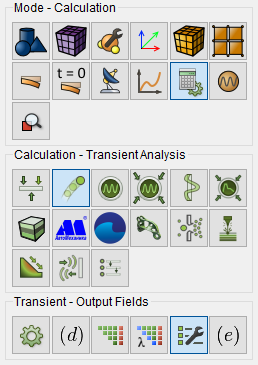
Fig. 1 - Command panel, output field settings for time analysis
To display as the results of the analysis of forces, you should set flag Calculate nodal forces and reaction forces. 3D recording the analysis results are performed by default.
Values of radio buttons in the group Save results the following:
Every - saving is done every step in time by default or through the number of steps specified by the user in the input window on the right.
Every time interval - saving is performed at the end of each interval of the specified length (in the input window on the right).
Output no more than - saving is performed and the output of the results for the specified (in the input window on the right) quantity steps in time. The results are displayed at regular intervals.
After completing the configuration of the output fields, click Apply and then Start Calculation.