Search the documentation
Enter at least 2 characters
Enter at least 2 characters
 |
CAE Fidesys 9.0 Documentation |
A user with administrator rights installs the software. Close all the CAE Fidesys windows before installation if there’s another version of CAE Fidesys installed.
1. Run installer for the architecture you are interested in (Windows x64 or Windows x32).
If any other version of CAE Fidesys is already installed on a computer, after starting the installation program you will be asked to delete it or to cancel the installation.
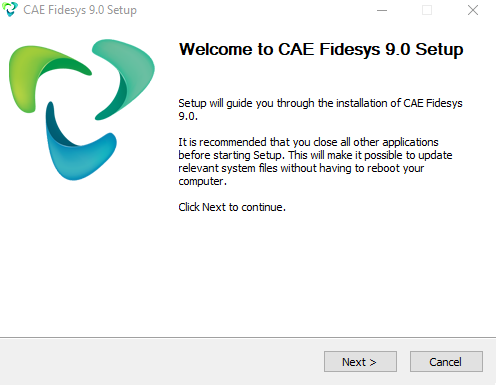
2. Click Next in a pop-up window.
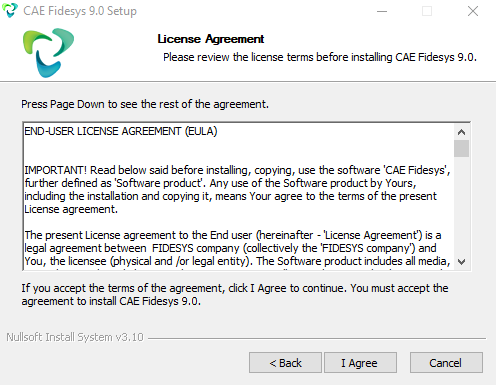
3. Read the license agreement. If you do not agree with any of its paragraphs, interrupt the installer by clicking Cancel. If you totally agree with its terms, click I Agree to proceed the installation.
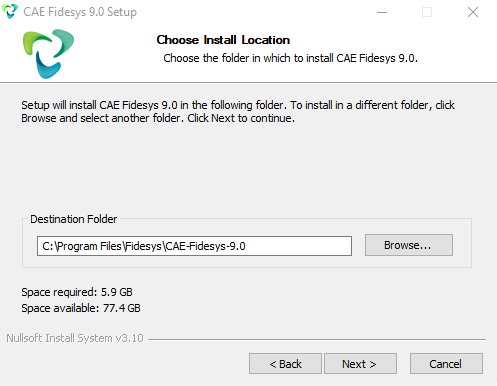
4. Select a folder for installation and click Next.
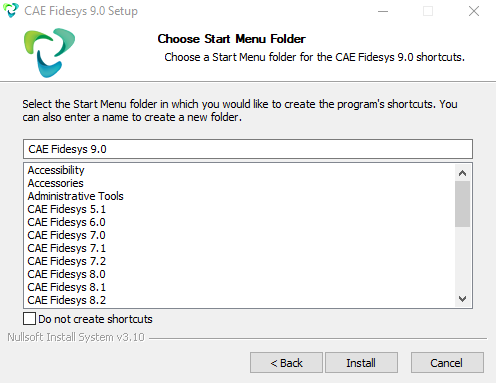
5. In the Start menu enter the name of the folder to create a shortcut for running the program. If you do not want to create a folder in the Start menu, choose Do not create shortcuts. Click Install.
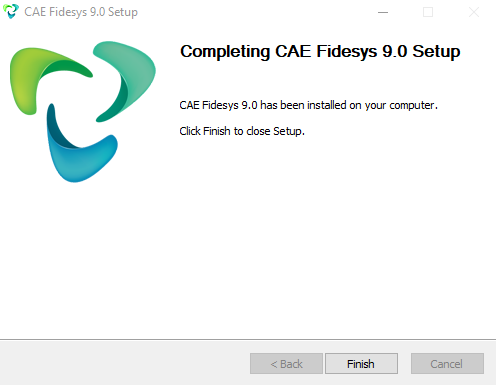
6. The process of installation may take some time. Click Ready after installing.
Only 64-bit Linux distribution kits are currently supported.
Setup file CAE Fidesys for Linux available for download only in the browser of the Linux operating system. The list of supported Linux operating systems can be found in this section.
1. Installer "CAE-Fidesys-9.0<version>-lin64-<language>-mpi.run". Installation takes in two steps:
1.1. With user access rights in the terminal, a run file is launched to unpack the installer
./CAE-Fidesys-9.0<version>-lin64-<language>-mpi.run
If the file is not executable, it must be designated as executable
chmod +x CAE-Fidesys-9.0<version>-lin64-<language>-mpi.run
Default program installation directory is
./CAE-Fidesys-9.0
1.2. The installation script is launched as administrator
sudo <path_to_install_directory>/install.sh
1.3. To uninstall the program, run the script as administrator
sudo <path_to_install_directory>/uninstall.sh
2. Start the program
2.1. CAE Fidesys. In console/terminal
cae-fidesys-9.0
2.2. FidesysViewer. In console/terminal
fidesys-viewer-9.0
Additional installation information is available through the Help: ./run-file --help.
Important: CAE Fidesys cannot be placed in a directory whose name contains Cyrillic characters or any other national symbols.