Search the documentation
Enter at least 2 characters
Enter at least 2 characters
 |
CAE Fidesys 4.0 Documentation |
The problem of beam oscillation under the influence of acceleration is solved . The considered period of time is 5 s. The beam model is fixed (embedment), acceleration (0.01 m / s 2 ) is applied at the ends.
1.Create a straight line with a length of 100 .
On the command panel, select the mode for creating volume geometry (Mode — Geometry, Object — Curve, Action — Create).
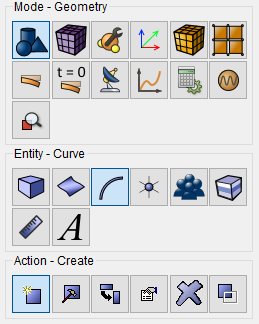
From the list of geometric primitives, select Line. Creatе, using Position and direction. Set the following parameters:
Location: 0 0 0 (top of the line);
Direction: 1 0 0 (along the Х axis);
Length: 100.
Click Apply.
1.On the command panel, select the curve meshing mode (Mode — Mesh, Object — On curves, Action — Meshing).
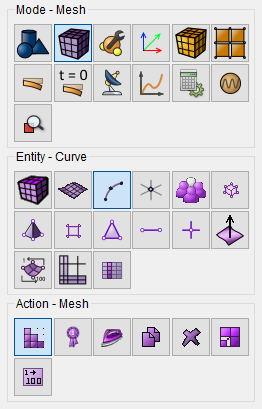
Specify the mesh refinement degree:
Select curves: all;
Select a method for constructing the mesh: Evenly;
Select the construction parameters: Automatic size;
Set the slider to 3.
Click Apply.
Click Build Mesh.
1. On the command panel, select the mode for setting material properties (Mode - Material, Entity - Materials Management.
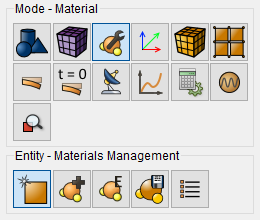
Drag "Carbon steel" from the "Imported Material " column to the "Material"window.
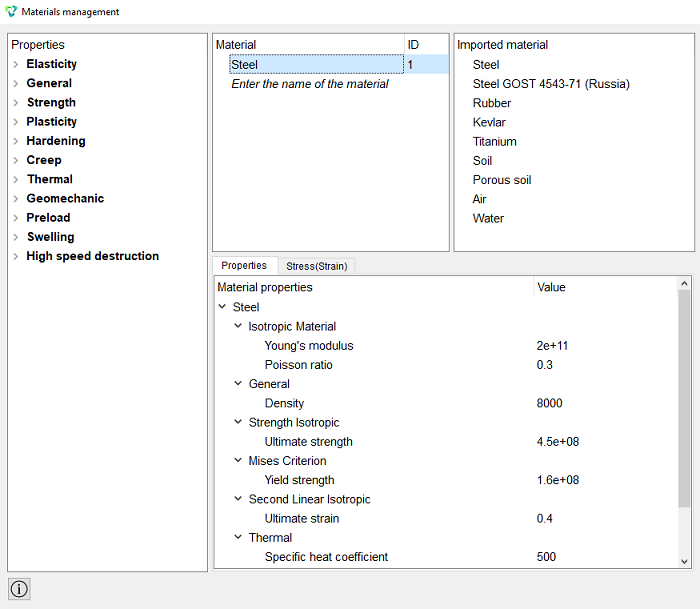
Click Apply.
2.Create a block of one material type.
On the command panel, select the mode for setting material properties (Mode — Blocks, Object — Block,Action — Add entity to the block ).
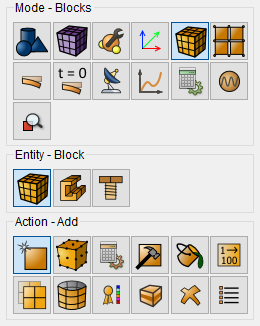
Set the following parameters:
Block ID: 1;
Select the objects to be combined into a block: Curves;
Object(s)ID: 1 (or all).
Click Apply.
3. Set the block parameters.
On the command panel, select the mode for setting material properties (Mode - Blocks, Entity - Block, Action - Block properties/parameters).
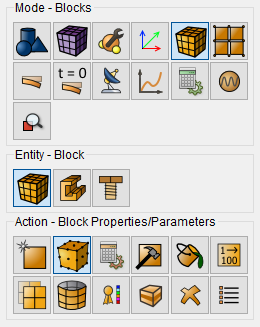
Set the following parameters:
Block (s): 1;
Material: Carbon Steel;
Coordinate system: Global Cartesian;
Category: Beam;
Order: 1.
Click Set beam properties. From the dropdown list Profile section select I-beam. Click Apply.
Close the window Set beam properties.Click Apply.
1.Pin top 2 in all directions.
On the command panel, select Mode — Boundary Conditions, Entity — Displacement, Action — Create.
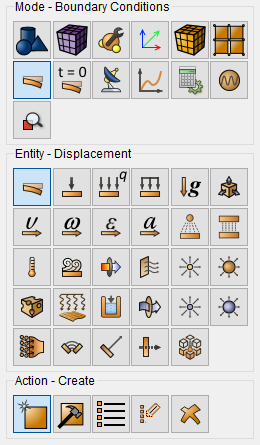
Set the following parameters:
System Assigned ID;
Entity List: Vertex;
Entity ID(s): 2;
Degrees of freedom: All;
Value: 0.
Click Apply.
2.Set the acceleration.
On the command panel, select Mode — Boundary Conditions, Entity — Acceleration, Action — Create.
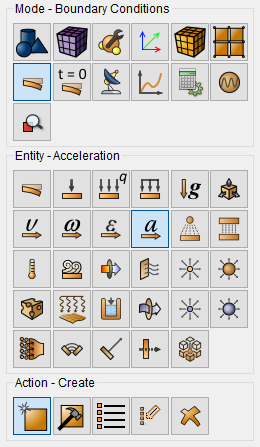
Set the following parameters:
System Assigned ID;
Entity List: Vertex;
Entity ID(s): 1;
Degrees of freedom: along Z;
Value: 0.01.
Click Apply.
Set the type of problem you want to solve. On the command panel, select the calculation settings mode Mode — Calculation Settings, Calculation Settings - Time Analysis - General).
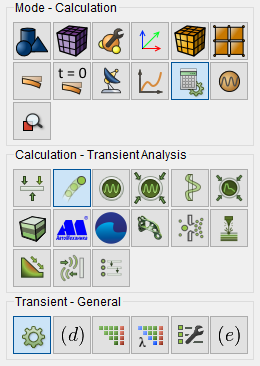
Set the following calculation parameters:
Dimension: 3D;
Method: Complete solution;
Scheme: Implicit;
Maximum time: 1;
Number of steps: 5.
Click Apply.
Click Start calculation.
1. Open the file with the results. There are three ways to do that:
Click Ctrl+E.
From the main menu, select Calculation → Results. Click Open the last result.
>Select Results on Command Panel (Mode - Results). Click Open last result).
The Fidesys Viewer window will appear, in which you can view the calculation results.
When switching to Fidesys Viewer, the result may not be visible, in order to see it you need to rotate the coordinate axes.
Connect the filter Deform by Vector (Menu - Filters - Index - Strain by Vector). Or use the corresponding command panel button :

In the Step window, set 0 - the initial view of the model.
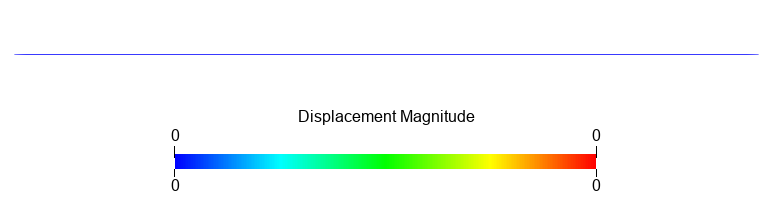
t=0
By switching steps from 1 to 5, you can view the deformed view of the model at all steps.
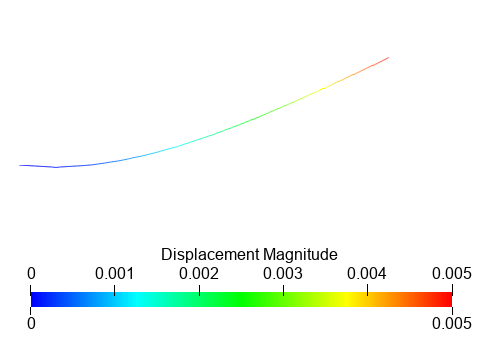
t=1
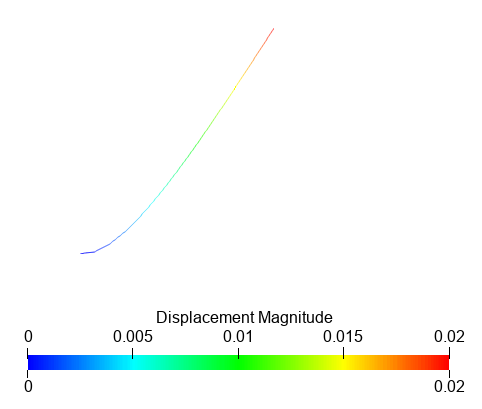
t=2
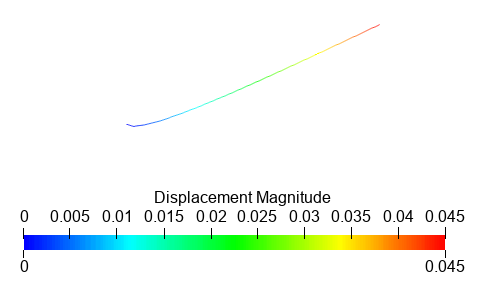
t=3
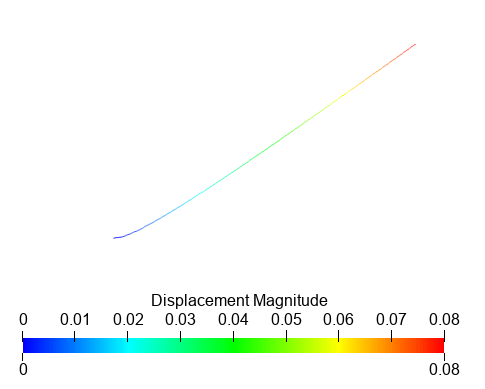
t=4
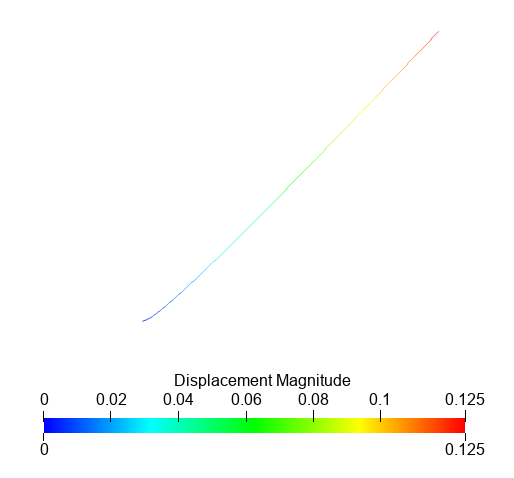
t=5
Geometry creating, meshing, setting boundary conditions and materials can be performed using the console interface. Below is the program code that allows you to perform the steps of the above manual, you only need to specify the full path and name of the saved file.
reset
create curve location 0 0 0 location 1 0 0
curve all size auto factor 3
curve all scheme equal
curve 1 scheme bias first_last 0.10
mesh curve all
create material 1 from 'Углеродистая сталь'
set duplicate block elements off
block 1 add curve 1
block 1 material 1
block 1 element beam
create beam properties 1
modify beam properties 1 type 'I-Beam'
modify beam properties 1 ey 0.0
modify beam properties 1 ez 0.0
modify beam properties 1 angle 0.0
modify beam properties 1 mesh_quality 6
modify beam properties 1 warping_dof on
modify beam properties 1 geom_H 0.1
modify beam properties 1 geom_B1 0.055
modify beam properties 1 geom_B2 0.055
modify beam properties 1 geom_c1 0.0072
modify beam properties 1 geom_c2 0.0072
modify beam properties 1 geom_d 0.0045
block 1 beam properties 1
create displacement on vertex 2 dof all fix
create acceleration on vertex 1 dof 3 fix 0.01
analysis type dynamic elasticity dim3 preload on
dynamic method full_solution scheme implicit maxtime 1 steps 5 newmark_gamma 0.005
calculation start path 'D:/results/result/shtift.pvd'